


Upload your PDF to PDF Agile.

eSign PDFs Legally with Ease
Simplify your document signing process while staying fully compliant.
Available on:


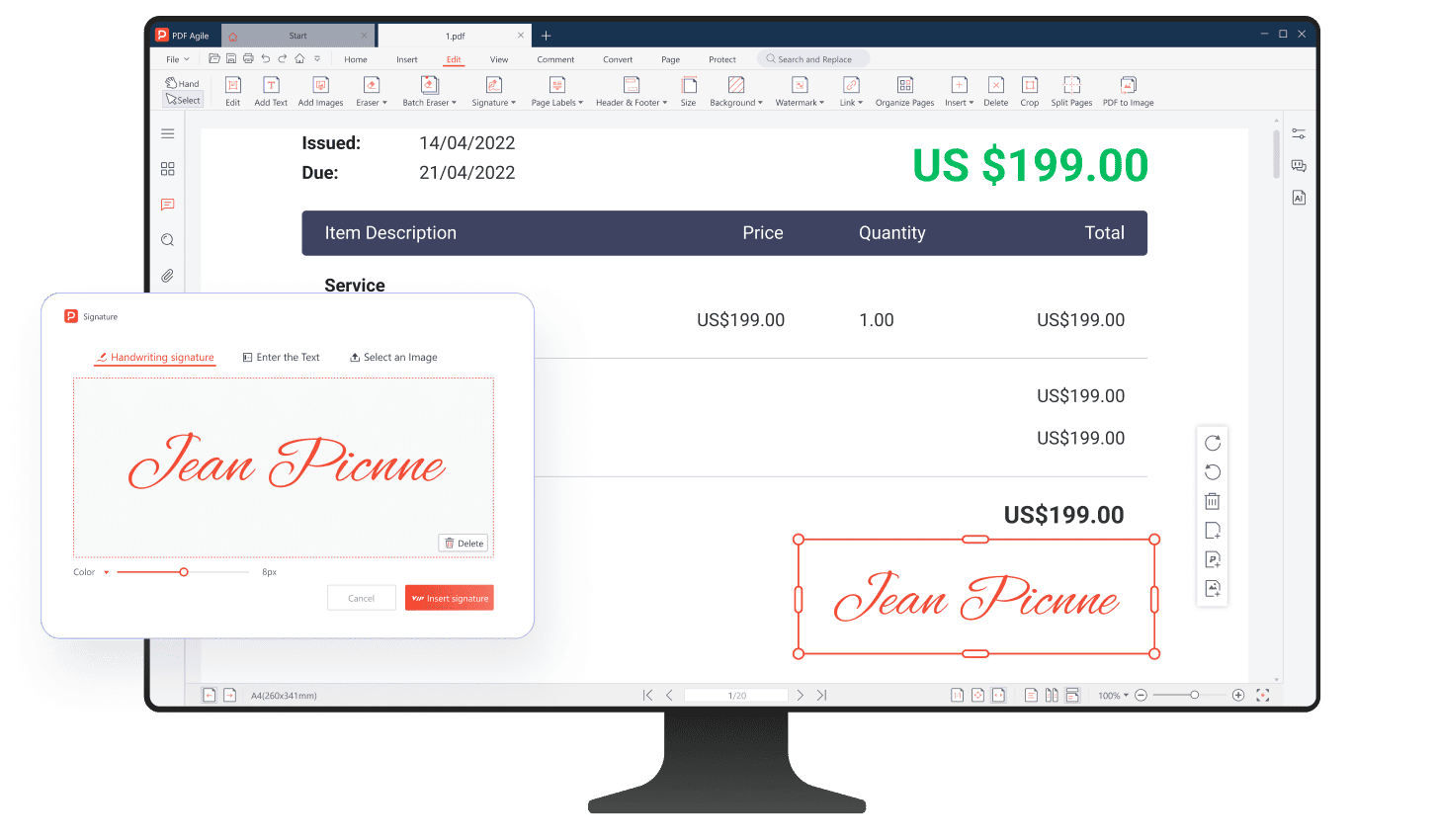
PDF Signature Legally Binding
Compliant with major international eSignature laws, ensuring your signed PDFs are secure, legally valid, and fully enforceable across borders and industries—giving you confidence in every agreement.
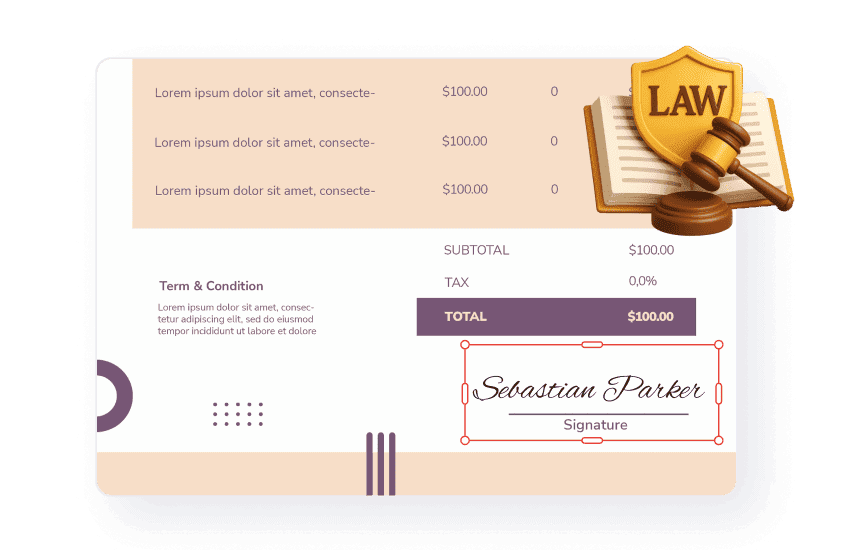
Fast & Simple Workflow
Sign your PDF in just three simple steps—upload, add your signature, and download. No technical skills needed.
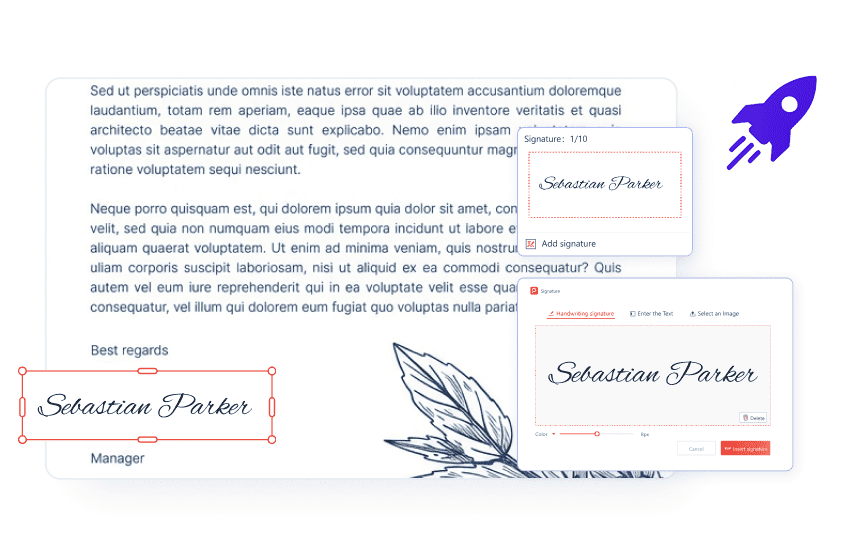
Sign Anytime, Anywhere
Enjoy the flexibility of eSigning from any location and at any time. Whether you're working remotely or on the move, PDF Agile empowers you to sign without delays or barriers.
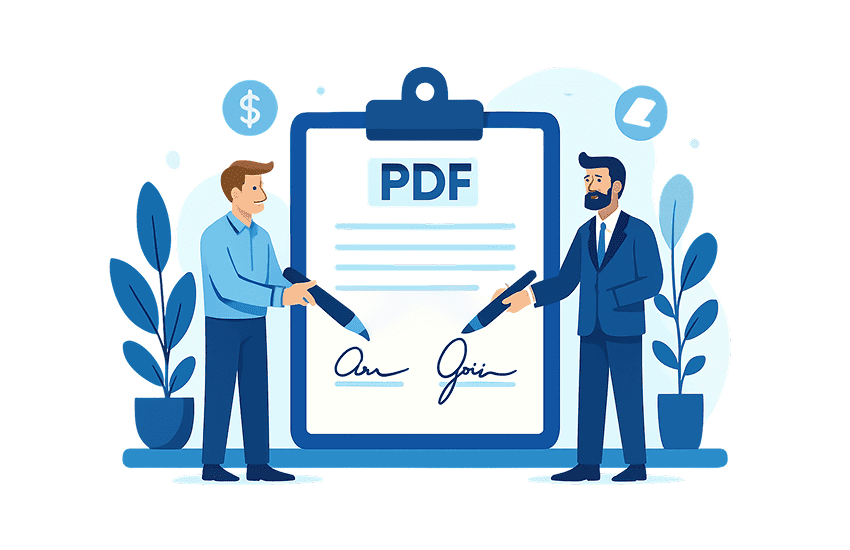
Encrypted & Secure Electronic Signature
Safeguarded with robust encryption, ensuring your PDFs remain secure and tamper-proof throughout the entire eSigning process—from upload to final download—while protecting the integrity of your data at every step.
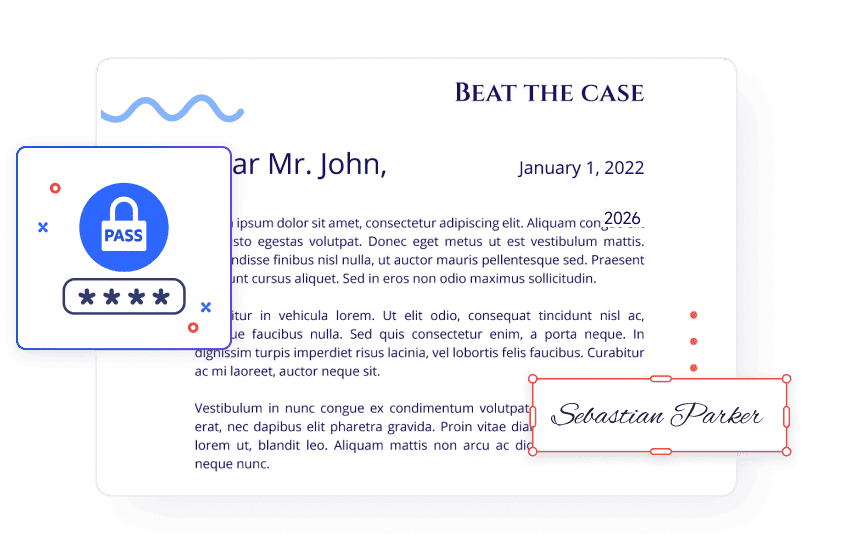
Redact sensitive content
Redact function enables you permanently eliminate sensitive or confidential data from your PDFs. Simply mark the specific text or images you need to conceal, and apply redact to remove this information.
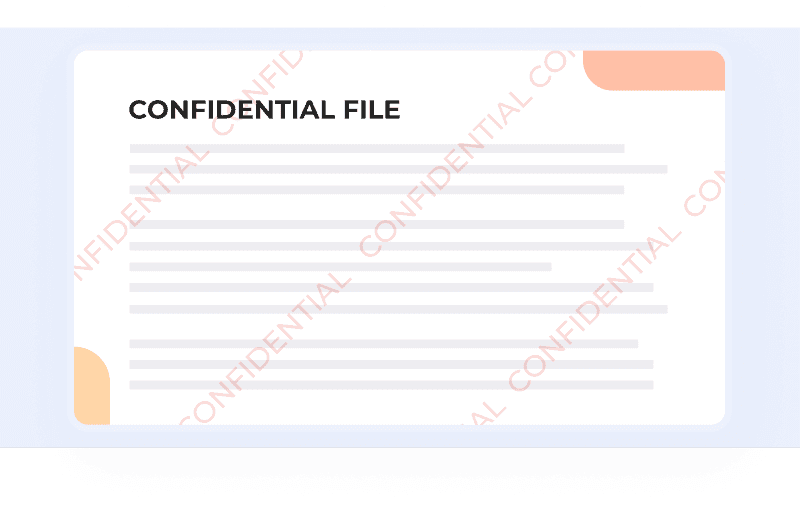
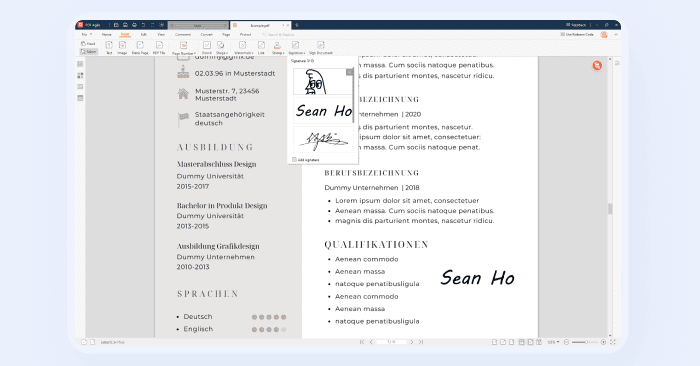
Signature – Identity Confirmation and Document Approval
Easily verify identity and approve documents with a secure, legally binding signature. PDF Agile ensures every signature is authenticated and traceable, giving you confidence that your documents are valid, compliant, and ready for use.
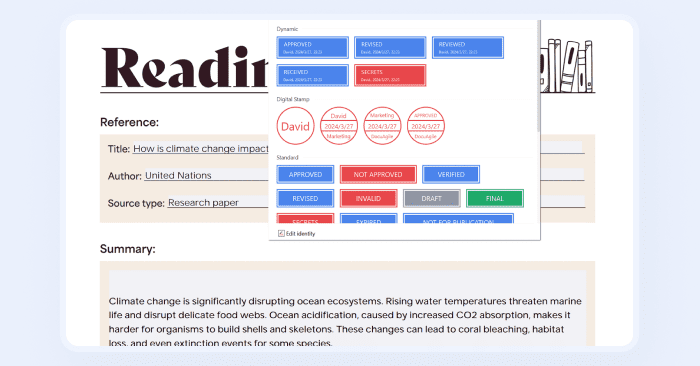
Stamp – Visual Indicators of Status and Review
Stamps improve document workflows by visually marking important stages, conditions, or actions, adding clarity and efficiency.
How to Create an eSign in PDF?
01
02
Add your signature by drawing, typing, or uploading an image for quick and easy document signing.
03
Download or share the signed document with a secure audit trail.
How eSignatures are Widely Used Across Industries?

Legal
Law firms and courts can use electronic signatures to sign legal documents such as pleadings and power of attorney forms. This reduces document processing time and better meets legal requirements.

Financial & Banking
Banks and financial institutions rely on eSign for loan agreements, account openings, and transaction approvals, improving speed and compliance.
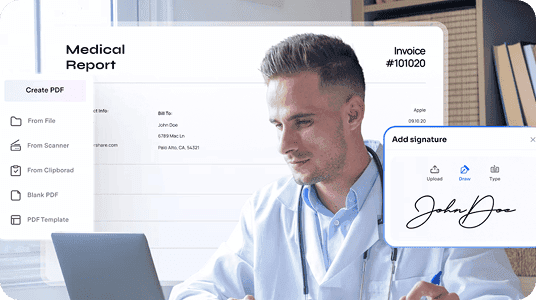
Healthcare
Hospitals and clinics use eSign for patient consent forms, medical records, and treatment approvals while maintaining privacy compliance.

Government & Public Sector
Government departments use electronic signatures to sign and verify official documents such as licenses, permits, and tax forms.

Education
Schools and universities can use electronic signatures for student enrollment documents, scholarship agreements, and other academic paperwork.

Logistics and Supply Chain
Electronic signatures can be used to verify the receipt of goods, delivery times, and locations. This is essential for effective logistics and supply chain management.
Legal
Law firms and courts can use electronic signatures to sign legal documents such as pleadings and power of attorney forms. This reduces document processing time and better meets legal requirements.
Financial & Banking
Banks and financial institutions rely on eSign for loan agreements, account openings, and transaction approvals, improving speed and compliance.
Healthcare
Hospitals and clinics use eSign for patient consent forms, medical records, and treatment approvals while maintaining privacy compliance.
Government & Public Sector
Government departments use electronic signatures to sign and verify official documents such as licenses, permits, and tax forms.
Education
Schools and universities can use electronic signatures for student enrollment documents, scholarship agreements, and other academic paperwork.
Logistics and Supply Chain
Electronic signatures can be used to verify the receipt of goods, delivery times, and locations. This is essential for effective logistics and supply chain management.
Legal
Law firms and courts can use electronic signatures to sign legal documents such as pleadings and power of attorney forms. This reduces document processing time and better meets legal requirements.
Financial & Banking
Banks and financial institutions rely on eSign for loan agreements, account openings, and transaction approvals, improving speed and compliance.
Healthcare
Hospitals and clinics use eSign for patient consent forms, medical records, and treatment approvals while maintaining privacy compliance.
Government & Public Sector
Government departments use electronic signatures to sign and verify official documents such as licenses, permits, and tax forms.
Education
Schools and universities can use electronic signatures for student enrollment documents, scholarship agreements, and other academic paperwork.
Logistics and Supply Chain
Electronic signatures can be used to verify the receipt of goods, delivery times, and locations. This is essential for effective logistics and supply chain management.
Join millions who trust PDF Agile—try now to edit, convert, and manage PDFs with efficiency and ease.
Trusted by







FAQs about eSigning PDFs
What is an electronic signature?
What’s the difference between an electronic and a digital signature?
Are electronic signatures legal?
How to eSign a PDF without Acrobat?
What are the risks of using eSign?

Accelerate your PDF workflow like never before
A complete PDF solution for all PDF needs