
Rearrange PDF Pages

Organize PDF pages online by dragging and reordering them as needed

How to Rearrange PDF Online for Free?

1. To begin organizing your PDF pages, click “Select PDF File” to upload your document.

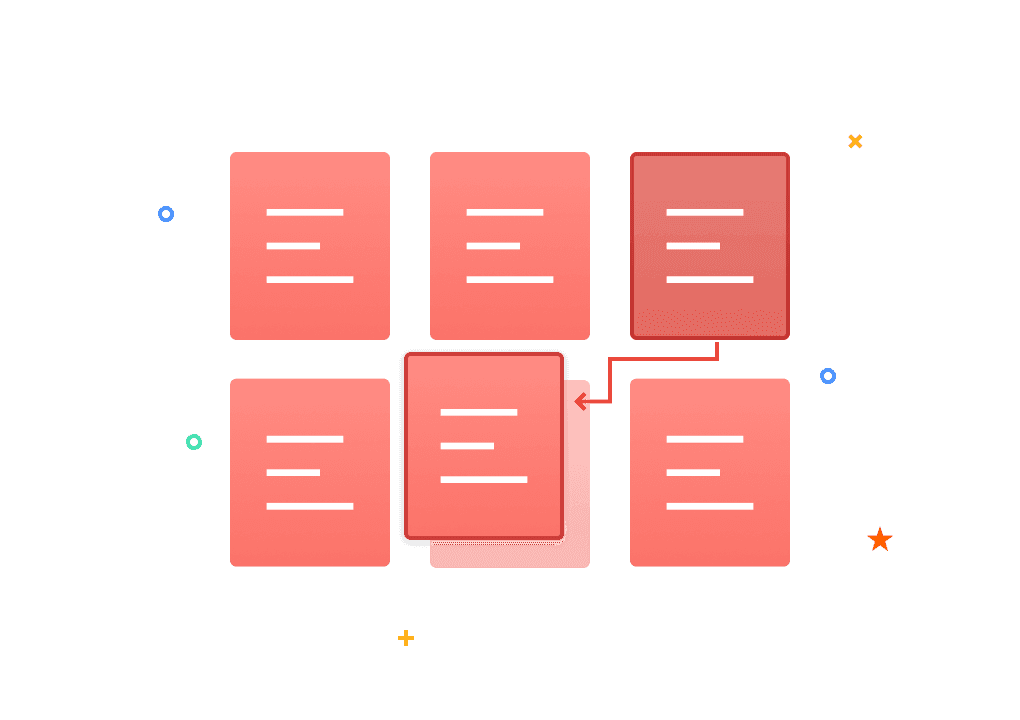
2. Once uploaded, your PDF pages will appear as thumbnails. Drag and drop any page to your desired position to reorder PDF content intuitively.

You can also use the sort button to toggle between original ascending or descending order instantly.

3. PDF Agile offers more than just reordering—hover over any page to access delete, rotate, and zoom icons. Delete unwanted pages with a single click, or rotate pages clockwise/counterclockwise without applying changes separately. These actions take effect immediately, streamlining your workflow.

4. After rearranging, click “Download” to save your revised PDF.

Why Choose Us to Rearrange Your PDF Files?

  • Rearrange PDF Pages Effortlessly

    Simplify your workflow with our intuitive drag-and-drop interface. Visually manage your document by moving pages in real-time to achieve the perfect order—no technical skills required.

  • Full Page Control at Your Fingertips

    Beyond just rearranging, PDF Agile gives you total authority over your layout. Our responsive workspace allows you to rotate, delete, or rearrange pages simultaneously, ensuring a professional document flow in a single session.

  • Works on Any Device

    Access our online tools via any browser on desktops, tablets, or smartphones. Whether you're on Windows, Mac, iOS, or Android, the experience remains seamless. Perfect for on-the-go edits without the need for app installations.

  • Rearrange PDF Pages Free

    PDF Agile’s rearranging tool is free to use. This accessibility makes it easy to organize your PDF pages without budgeting concerns, empowering you to manage your documents freely and efficiently.

  • Your Security is Our Top Priority

    Every file processed through PDF Agile is protected by industry-leading 256-bit SSL encryption. This ensures your data remains private and secure throughout the entire rearranging process, from upload to download.

  • Get Started in Seconds

    Reearrange your PDF pages directly in your browser—no installations, sign-ups, or learning curves. Simply upload your file, drag and drop pages into your desired order, and download your perfected document in seconds.

More Than Just an Agile PDF Rearranger

  • All-in-one PDF converter

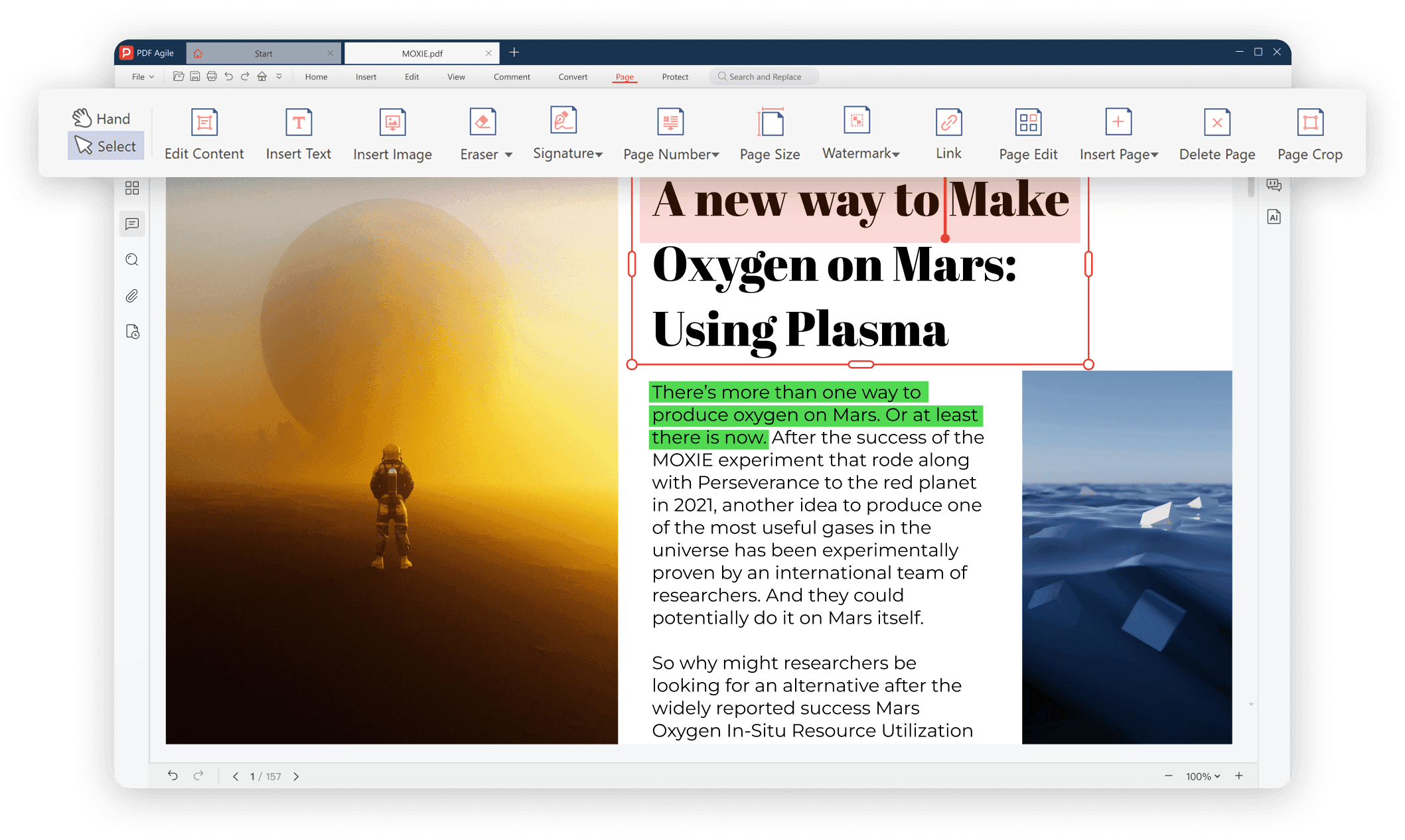
    Convert PDFs to and from any popular format with ease. Our all-in-one PDF converter supports Word, Excel, PPT, TXT, JPG, and more, preserving layout, fonts, and quality with every conversion. Simplify your workflow and manage all your document needs in one powerful tool.

  • Instant e-signing, no delays

    Sign PDFs instantly with no delays. Add legally binding signatures without hassle, complete forms, and approve documents in seconds—streamlining your workflow while keeping all files secure. Fast, reliable, and completely digital.

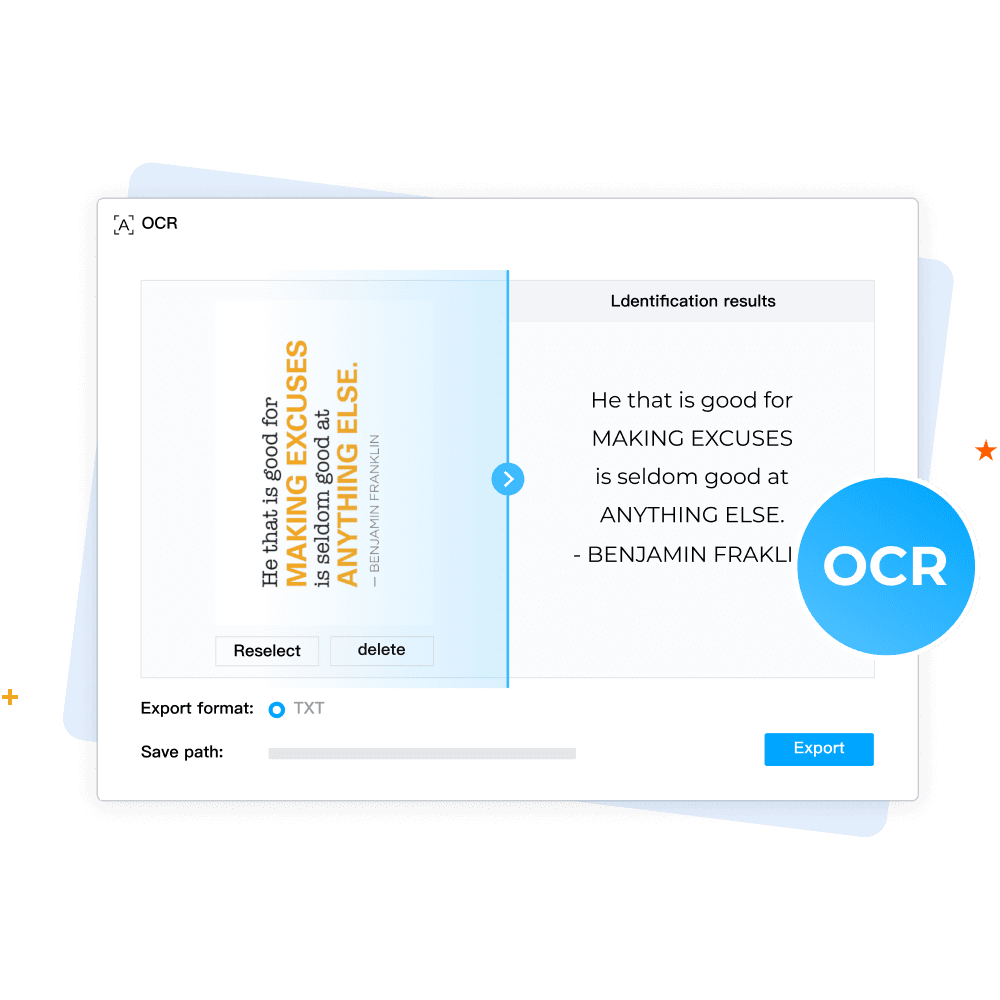
  • Make scanned PDFs searchable and editable (OCR)

    Transform scanned PDFs into searchable and editable documents with the newest OCR technology. Instantly recognize text from images or scanned files while preserving layout and formatting, making your documents easy to edit, copy, and share.

  • More tools for every PDF task

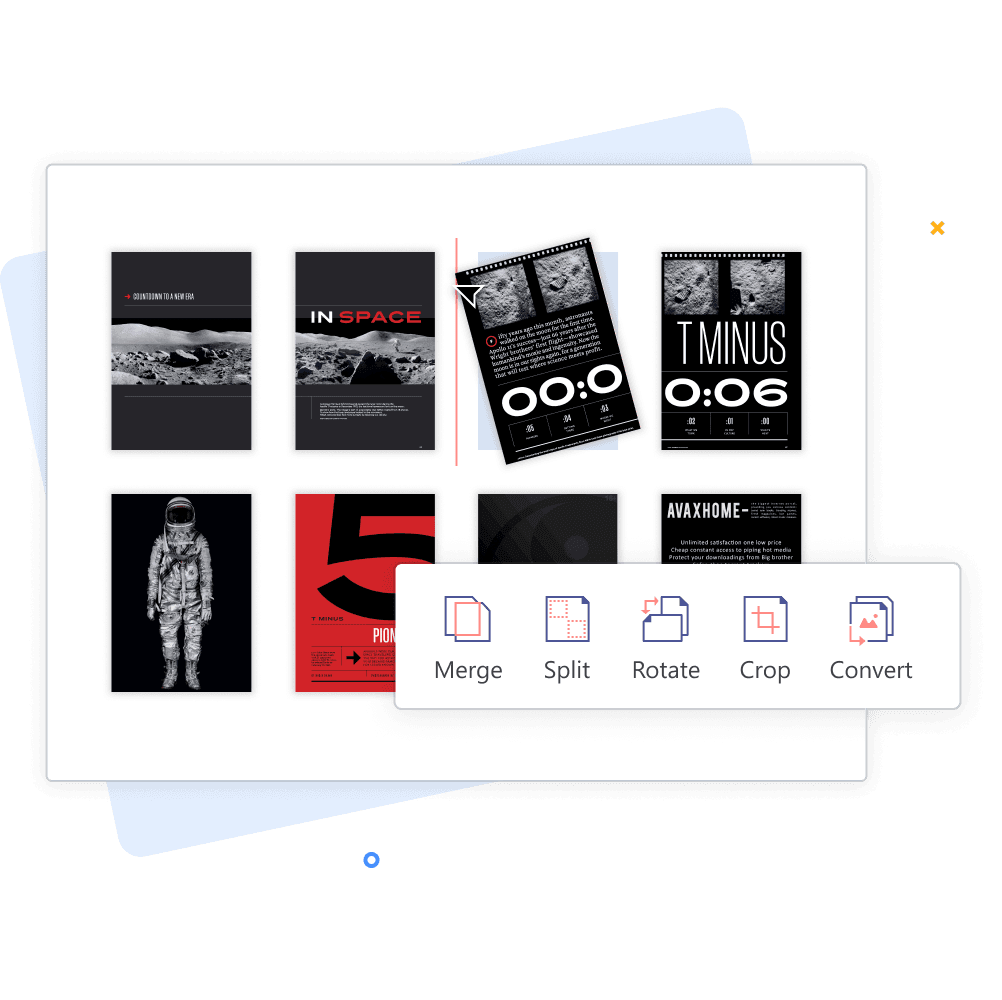
    Get all the tools you need to handle any PDF task easily and seamlessly. From merging, splitting, and compressing to rotating, cropping, and converting, our comprehensive suite helps you manage, edit, and optimize PDFs efficiently—everything in one place.

Your Ultimate PDF Solution

Your Ultimate PDF Solution.png

FAQs about Rearranging PDFs

How do I reorder pages in my PDF?

Can I delete pages while rearranging my PDF?

Is rearranging PDF pages free with PDF Agile?

Does rearranging affect PDF quality or formatting?

Can I use this tool on mobile devices?