


Need to convert a PDF to Word while keeping the original formatting? PDF Agile is a top choice, simplifying the process into just three steps.
1.Open PDF Agile & Upload: Launch PDF Agile for desktop and open your PDF.
2.Navigate to ""Convert"": Go to the ""Convert"" tab and choose ""To Word."" Click ""Convert,"" then save the resulting Word file.
3.Review: Open the Word document to check and adjust formatting as needed.

Convert PDFs to any editable format
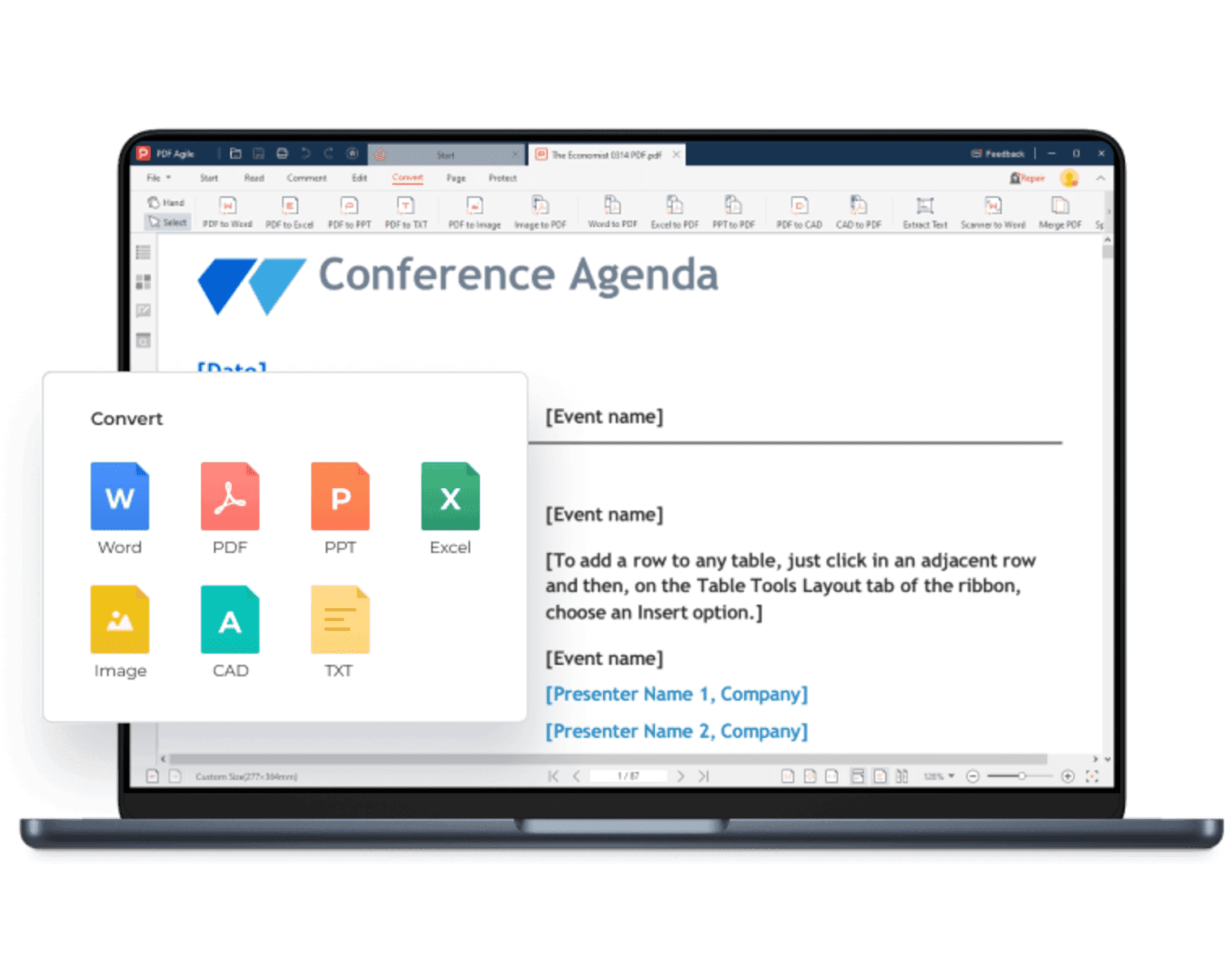
PDF Agile is your one-stop solution for PDF conversion. You can convert PDFs to and from any editable documents like Microsoft Word, Excel, CAD, TXT, and images.
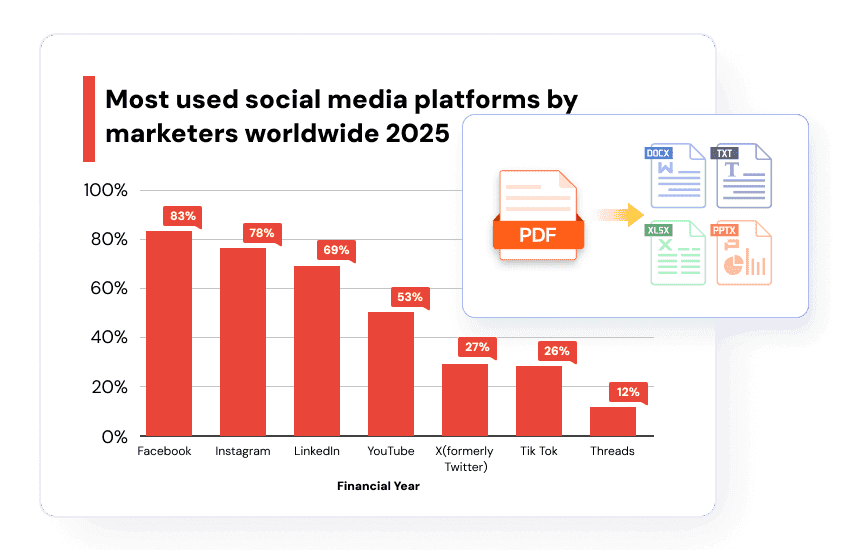
Create PDFs from Diverse File Types
Easily convert documents like Word, Excel, PPT, or plain text into professional PDFs. You can also handle image conversions between formats such as JPG, PNG, BMP, GIF, and TIFF.
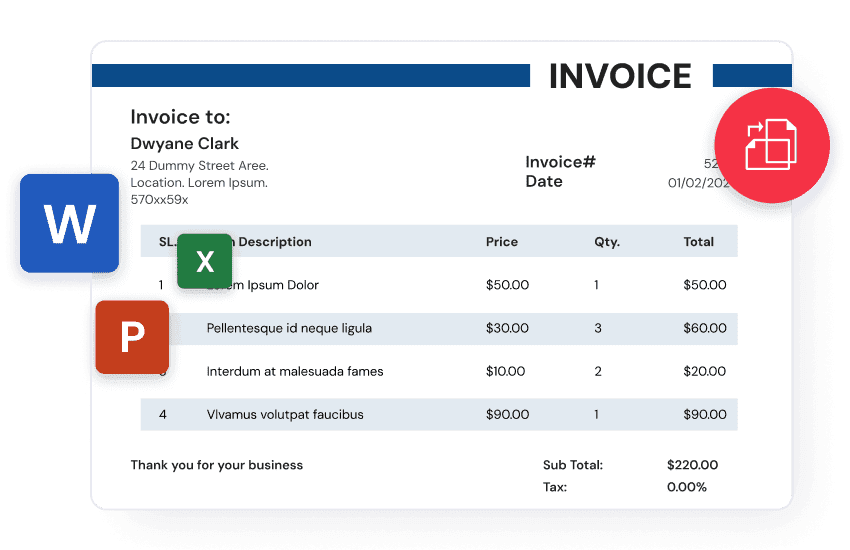
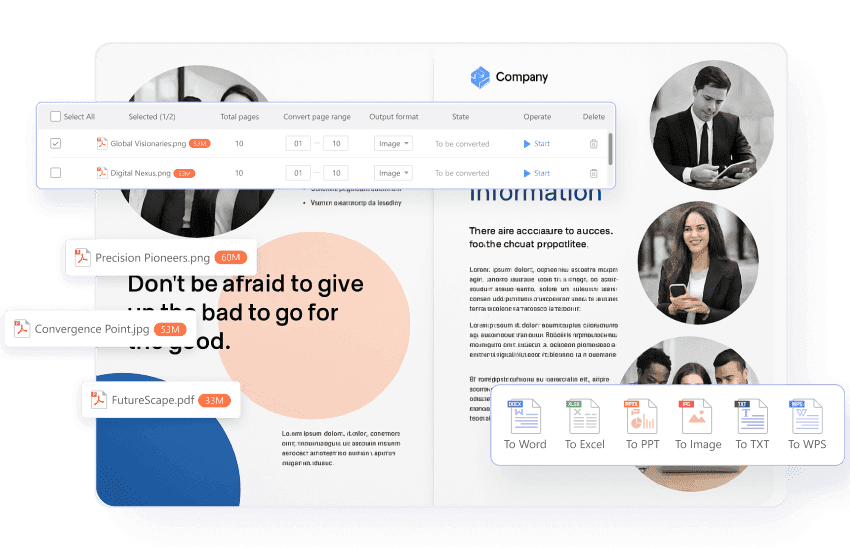
Batch Convert PDFs with Ease
Tired of converting files one by one? PDF Agile supercharges your productivity with robust batch conversion capabilities, making time-consuming conversions a thing of the past.
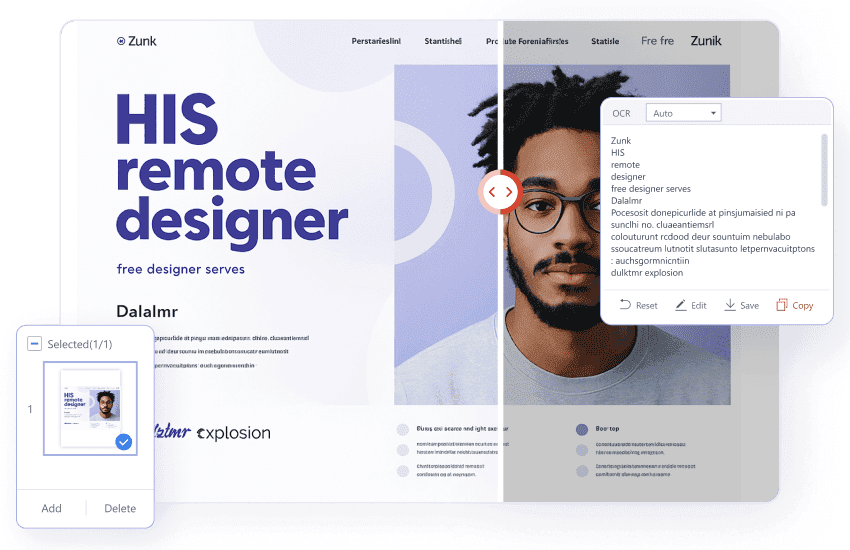
OCR for Scanned Documents & Images
Powerful OCR technology lets you convert scanned PDFs and images into fully editable, accurate text. Now you can easily edit, search, and copy content directly from your scanned documents and photos.
3 Simple Steps to Convert PDF Files
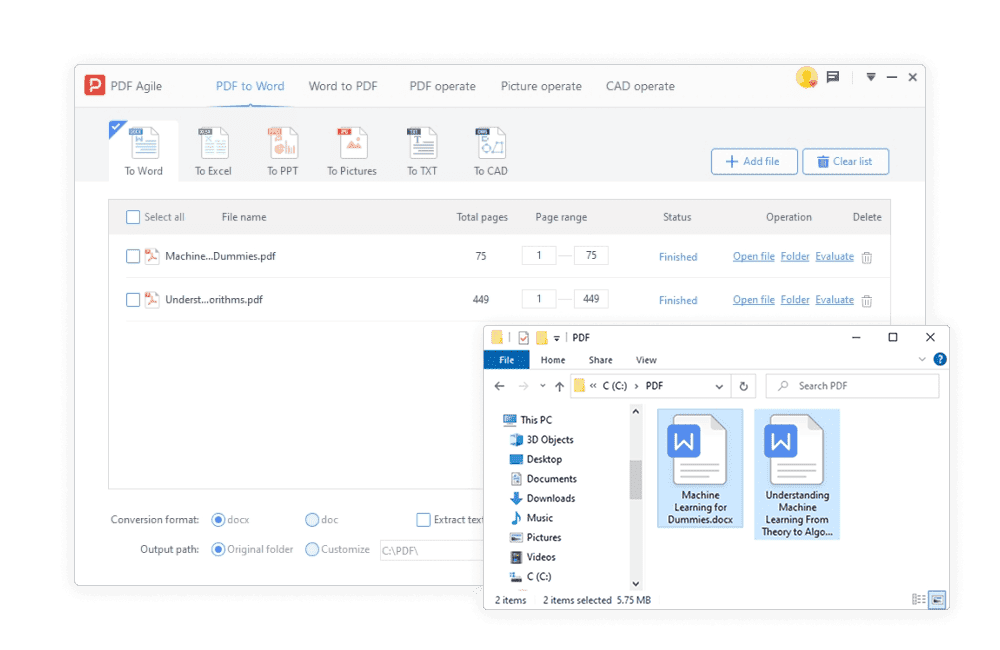
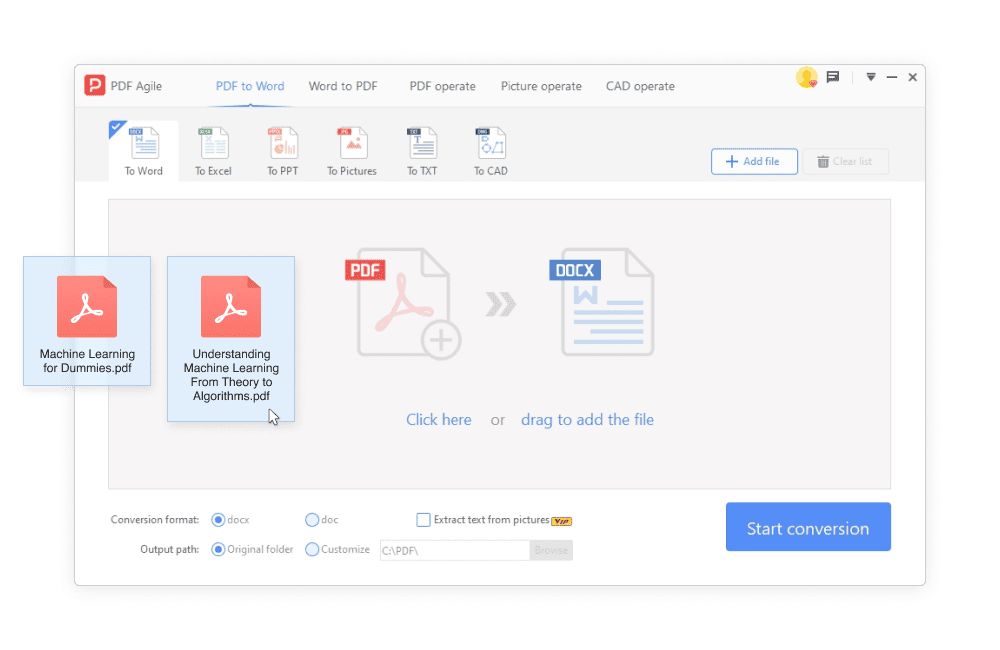
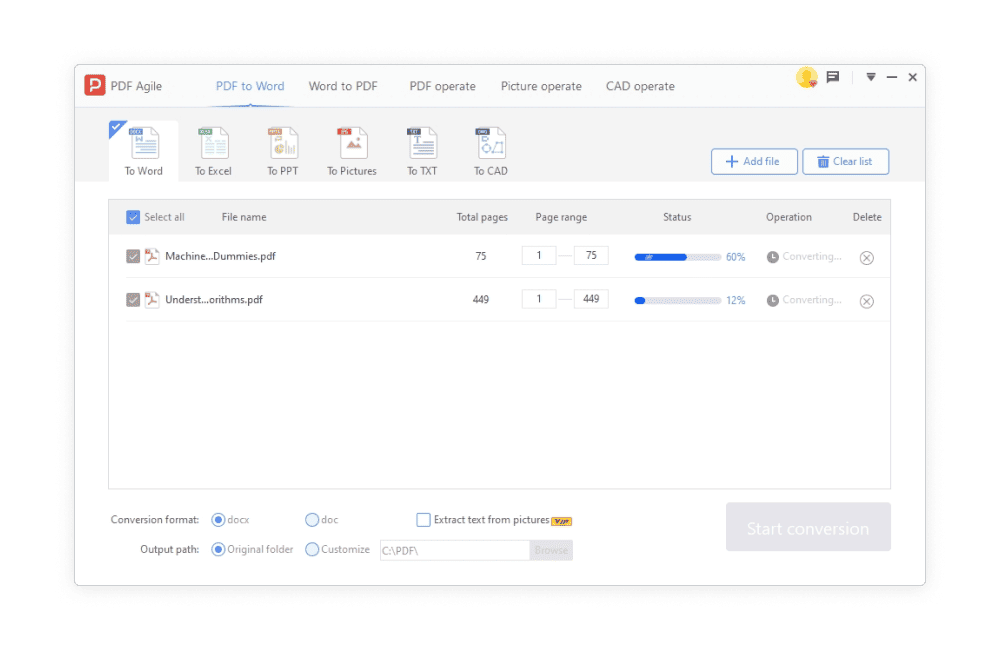
Step 1. Open Files
Drag and drop your Files to the program. Before converting, you can edit your files first.
Step 2. Convert PDF
Go to Convert tab and select the output file format you want. Click on Start Conversion to start.
Step 3. Save Files
After conversion, you can download and save the files to the local device, just as you needed.
Detailed Guides for Converting to and from PDF
Even more features you will love

Compress
Reduce the size of your PDF file without loss of quality

Merge
Combine multiple PDF files into a single PDF document

Split
Split a PDF into multiple files by page ranges

OCR
Extract text from any images or scanned PDF documents

Crop
Easily adjust the visible area of pages in a PDF

Rearrange Pages
Reorder PDF pages by dragging and dropping page thumbnails

Rotate
Rotate your PDF the way you need them.

Page Number
Reduce the size of your PDF file without loss of quality.

Link
Add hyperlinks or anchor links into a PDF with ease

Page presentation
Transform your PDF into a visually stunning presentation

Screenshot
Make and edit screenshots, and extract text from them (OCR)

Search Text
Run a simple or case-sensitive search to find specific items in a PDF

Highlight
Highlight the text you selected with your cursor

Area Highlight
Highlight any selected area of a page

Print a whole PDF file, a selected portion of a page, or specifed sections in a document

Page Size
Choose a size preset and resize your PDF document right away

Bookmark
Create a bookmark hierarchy to give you a well-structured view of the PDF’s content

Background
Add a solid color background to your PDF documen

Translate
Instantly translate any text in a PDF file from one language to another

Full Screen Mode
View your PDF document in full screen view
FAQs about PDF Adobe Acrobat Alternative
How can I convert PDF to Word without losing formatting?
When I'm working with CAD drawings or need to handle different image types, what exactly can PDF Agile do for me in terms of conversion and quality control?
Can I convert a scanned PDF?
Can I extract Excel or table data from a PDF?
How can I compress or reduce the size of a PDF after conversion?

Accelerate your PDF workflow like never before
A complete PDF solution for all PDF needs