


Extract text from any PDF with precision and ease. PDF Agile intelligently captures content from both native and scanned files, preserving the original structure, formatting, and readability. Whether you're working with long reports, contracts, or research papers, you can quickly turn static PDFs into clean, editable text—ready to copy, search, and reuse without tedious manual effort.

Extract Data from PDF with Ease
Extract structured insights, tables, and text from any PDF in seconds—no manual copy, no formatting headaches.
Available on:


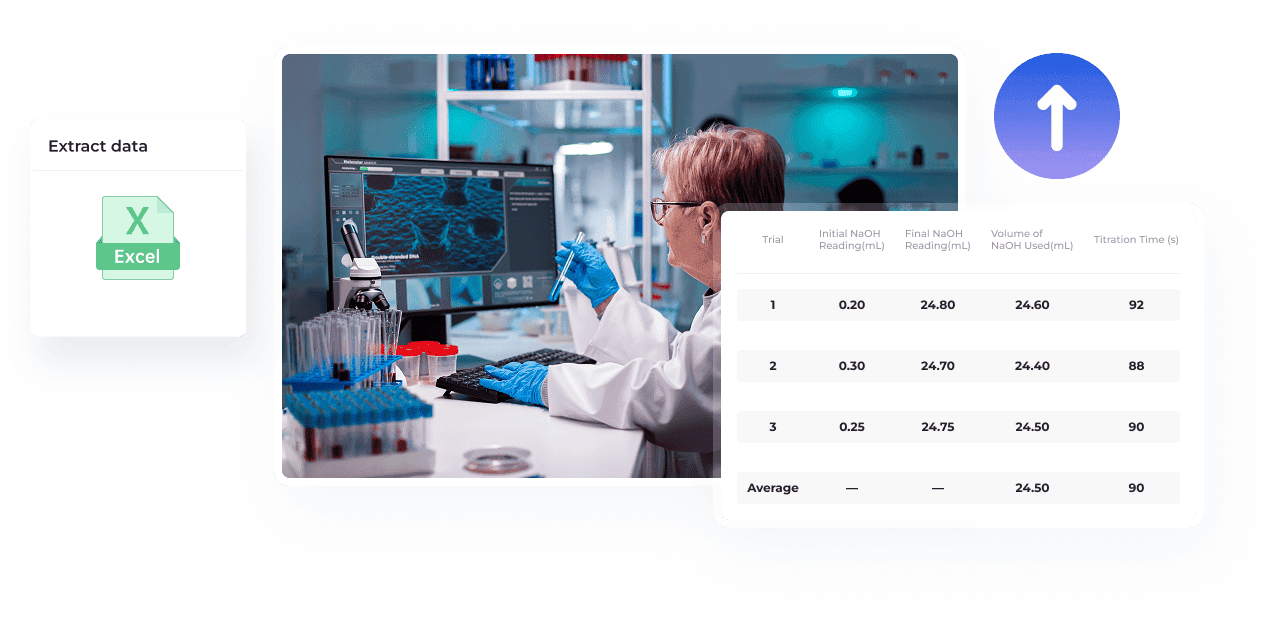
Identify and Separate Complex Layouts
Whether your PDF contains text, images, tables, or charts, our tool intelligently recognizes and accurately separates every element—so you can extract, reuse, and work with your data effortlessly.
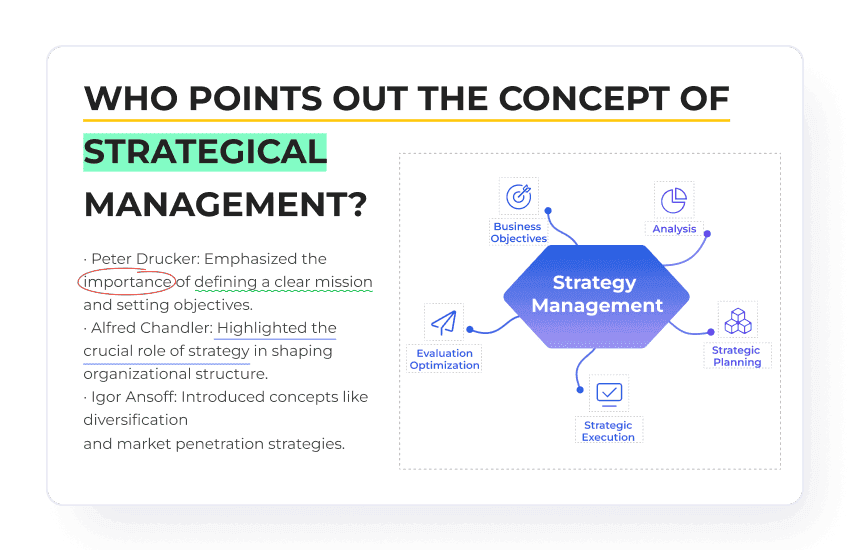
Extract Text from Scanned PDF
PDF Agile uses advanced Optical Character Recognition (OCR) to turn scanned documents and images into fully editable, searchable text—quickly and effortlessly.
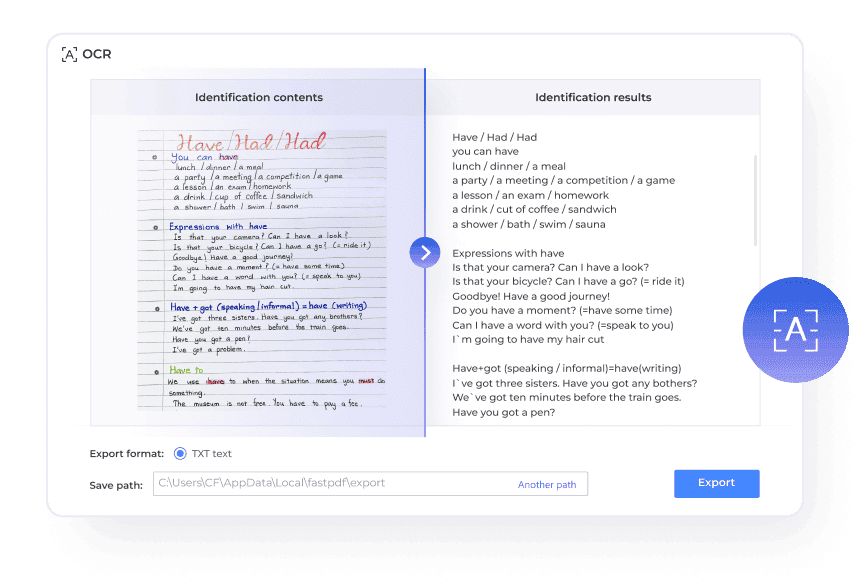
Batch Extract Data from PDF to Excel
PDF Agile’s powerful batch extraction lets you scrape data from multiple PDF files at once and seamlessly convert it into clean, structured Excel sheets—saving hours of manual work while ensuring accuracy and consistency.
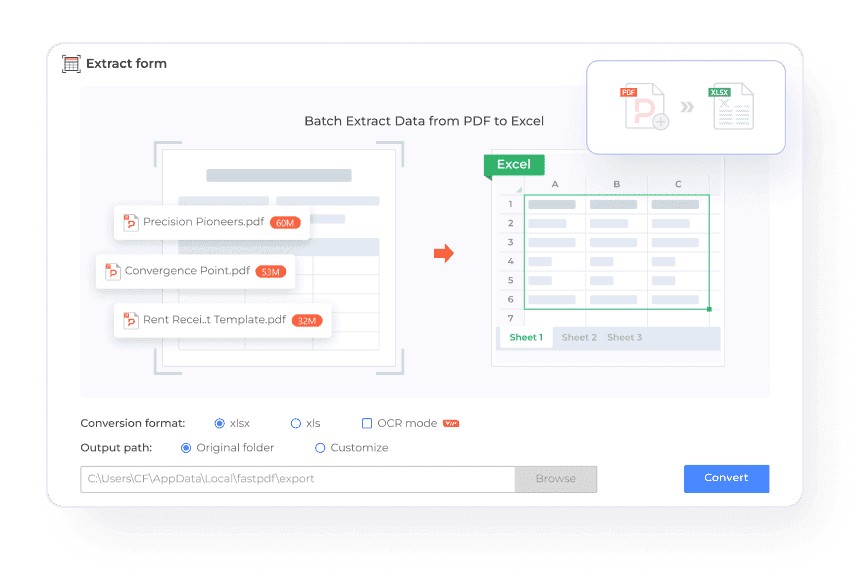
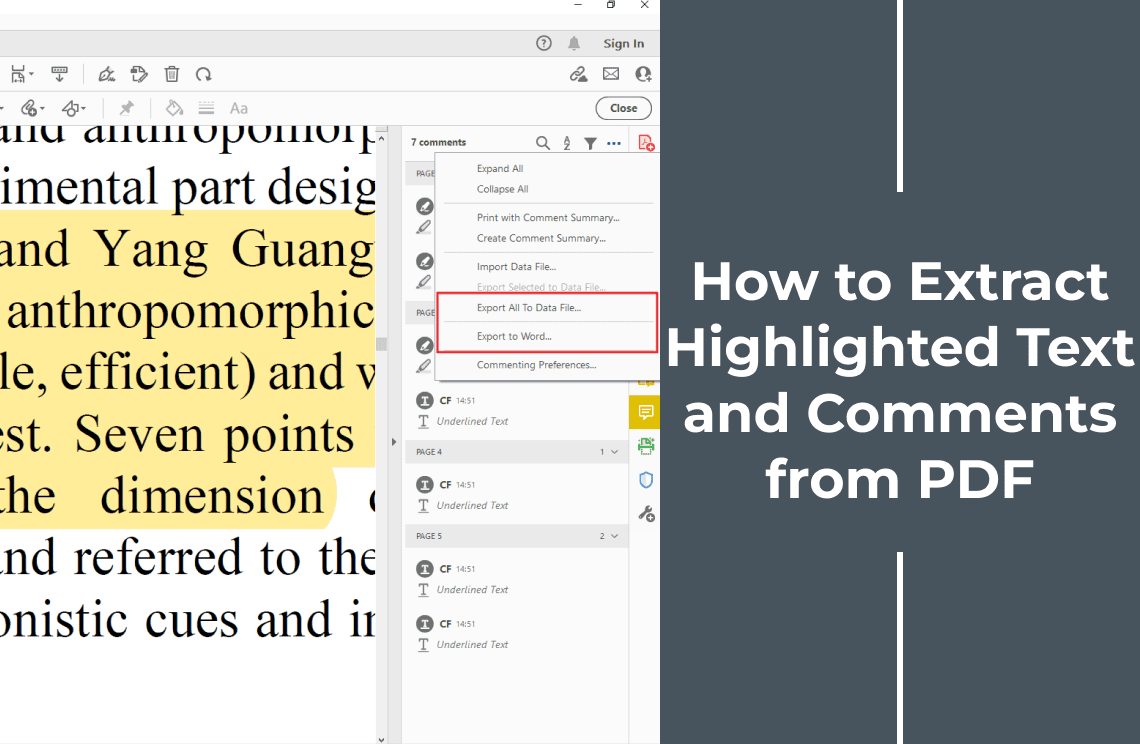
Extract Text from PDF

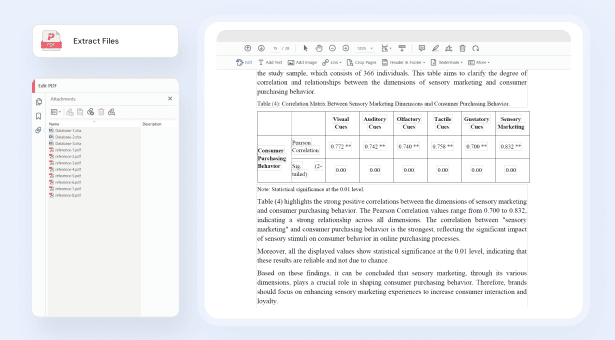
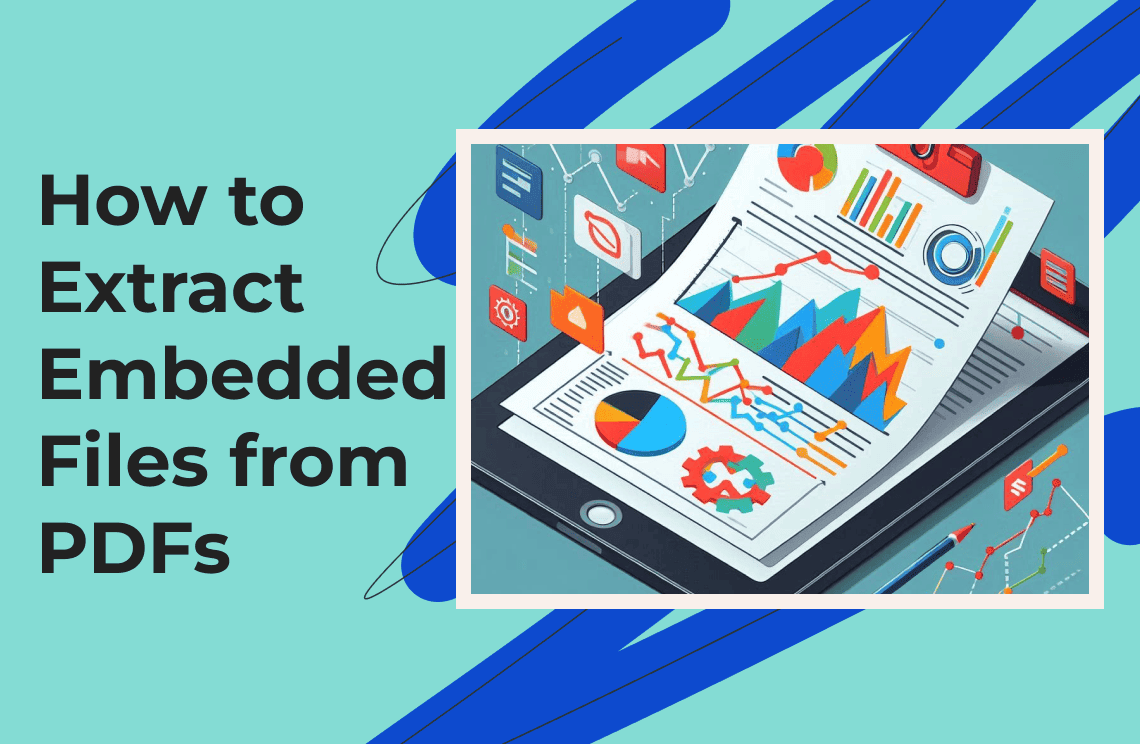
Extract files from PDFs
PDF Agile unlocks the full potential of original file formats, allowing you to recover content in its most usable form—boosting productivity and making data management faster, cleaner, and more efficient.
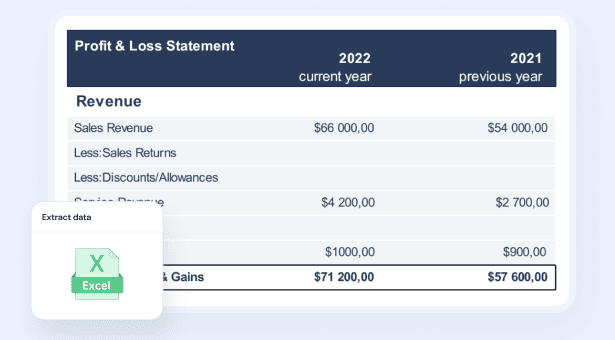
Convert PDF to Excel
PDF Agile enables detailed data analysis, allows for easy editing and updating of information, and facilitates integration with other software tools like Excel and databases.
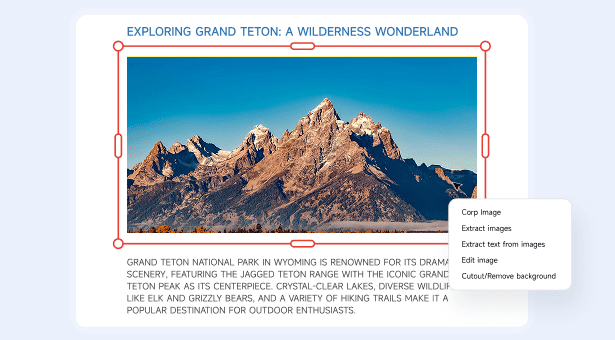
Extract Image from PDF
PDF Agile can enhance the flexibility and usability of visual content across various projects and platforms.
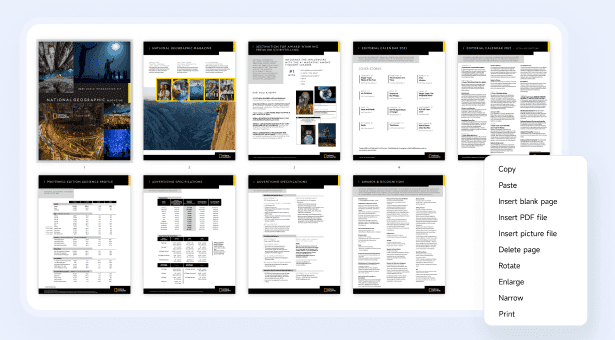
Split Pages from PDF
PDF Agile helps you organize, customize, and repurpose your documents effortlessly—so you can work with exactly the content you need, when you need it.
6 Practical Ways to Use PDF Agile’s PDF Extractor

Construction
"I often deal with numerous PDF documents, including blueprints, contracts, and project reports. PDF Agile's Extract Data from PDF feature has been a game-changer for us. It allows us to quickly extract critical information from these documents. Highly recommended!"
- Chloe Hammer

Financial
"In the financial sector, precision and efficiency are paramount. PDF Agile's Extract Data from PDF tool has streamlined our document processing, enabling us to extract financial data, reports, and statements with ease."
- Ryan Goldstein

Academics
"I frequently work with PDF articles, theses, and research papers. PDF Agile's Extract Data from PDF feature made my research process more efficient and organized. I can now focus more on analysis rather than manual data extraction. A must-have tool for academics!"
- Dr. Benjamin Booker

Legal
"In the legal field, handling large volumes of PDF documents, such as contracts, case files, and legal briefs, is a daily task. PDF Agile's Extract Data from PDF feature has revolutionized how we manage these documents. This tool has greatly enhanced our productivity and accuracy."
- Stevens Ethan

Human Resource
"Managing HR documents, including resumes, employment contracts, and performance reviews, can be time-consuming. PDF Agile's Extract Data from PDF feature has simplified this process for us. We can now extract relevant information from these documents quickly and accurately.
- Olivia Miller

Healthcare
"In healthcare, we deal with a variety of PDF documents, including patient records, medical reports, and research papers. PDF Agile not only saved us time but also ensured that we have accurate and up-to-date information for patient care."
- Dr. Rachel Johnson
Construction
"I often deal with numerous PDF documents, including blueprints, contracts, and project reports. PDF Agile's Extract Data from PDF feature has been a game-changer for us. It allows us to quickly extract critical information from these documents. Highly recommended!"
- Chloe Hammer
Financial
"In the financial sector, precision and efficiency are paramount. PDF Agile's Extract Data from PDF tool has streamlined our document processing, enabling us to extract financial data, reports, and statements with ease."
- Ryan Goldstein
Academics
"I frequently work with PDF articles, theses, and research papers. PDF Agile's Extract Data from PDF feature made my research process more efficient and organized. I can now focus more on analysis rather than manual data extraction. A must-have tool for academics!"
- Dr. Benjamin Booker
Legal
"In the legal field, handling large volumes of PDF documents, such as contracts, case files, and legal briefs, is a daily task. PDF Agile's Extract Data from PDF feature has revolutionized how we manage these documents. This tool has greatly enhanced our productivity and accuracy."
- Stevens Ethan
Human Resource
"Managing HR documents, including resumes, employment contracts, and performance reviews, can be time-consuming. PDF Agile's Extract Data from PDF feature has simplified this process for us. We can now extract relevant information from these documents quickly and accurately.
- Olivia Miller
Healthcare
"In healthcare, we deal with a variety of PDF documents, including patient records, medical reports, and research papers. PDF Agile not only saved us time but also ensured that we have accurate and up-to-date information for patient care."
- Dr. Rachel Johnson
Construction
"I often deal with numerous PDF documents, including blueprints, contracts, and project reports. PDF Agile's Extract Data from PDF feature has been a game-changer for us. It allows us to quickly extract critical information from these documents. Highly recommended!"
- Chloe Hammer
Financial
"In the financial sector, precision and efficiency are paramount. PDF Agile's Extract Data from PDF tool has streamlined our document processing, enabling us to extract financial data, reports, and statements with ease."
- Ryan Goldstein
Academics
"I frequently work with PDF articles, theses, and research papers. PDF Agile's Extract Data from PDF feature made my research process more efficient and organized. I can now focus more on analysis rather than manual data extraction. A must-have tool for academics!"
- Dr. Benjamin Booker
Legal
"In the legal field, handling large volumes of PDF documents, such as contracts, case files, and legal briefs, is a daily task. PDF Agile's Extract Data from PDF feature has revolutionized how we manage these documents. This tool has greatly enhanced our productivity and accuracy."
- Stevens Ethan
Human Resource
"Managing HR documents, including resumes, employment contracts, and performance reviews, can be time-consuming. PDF Agile's Extract Data from PDF feature has simplified this process for us. We can now extract relevant information from these documents quickly and accurately.
- Olivia Miller
Healthcare
"In healthcare, we deal with a variety of PDF documents, including patient records, medical reports, and research papers. PDF Agile not only saved us time but also ensured that we have accurate and up-to-date information for patient care."
- Dr. Rachel Johnson
More Pro Tips for Extracting Data from PDF
Join millions who trust PDF Agile—try now to edit, convert, and manage PDFs with efficiency and ease.
Trusted by







FAQs about PDF Data Extraction
I need to extract specific data from a research paper. How do I get just the abstract and the author list?
My invoices are PDFs. I want to automatically pull out the invoice number, date, and total amount for accounting. Is that possible?
I have a PDF with a form filled out. I need to get the data into a spreadsheet. How can I do this efficiently?
I have a scanned PDF of a handwritten document. How can I get the text from it?
What are the challenges of PDF data extraction?
What are the best practices for preparing PDFs for data extraction?

Accelerate your PDF workflow like never before
A complete PDF solution for all PDF needs