
Crop PDF

Trim PDF page margins and adjust canvas sizes in bulk online

How to Crop PDF Online for Free?

1. Start by clicking the “Select File” button to upload the PDF you wish to crop.

2. After uploading, select how you want to apply the crop: to all pages, the current page, or a specific page range.

  • The default mode is “All Pages,” which uses smart cropping to auto-adjust margins.
  • If you need more control, toggle to “Current Page” for individual adjustments or enter a custom range like “1, 5-10” for precision.

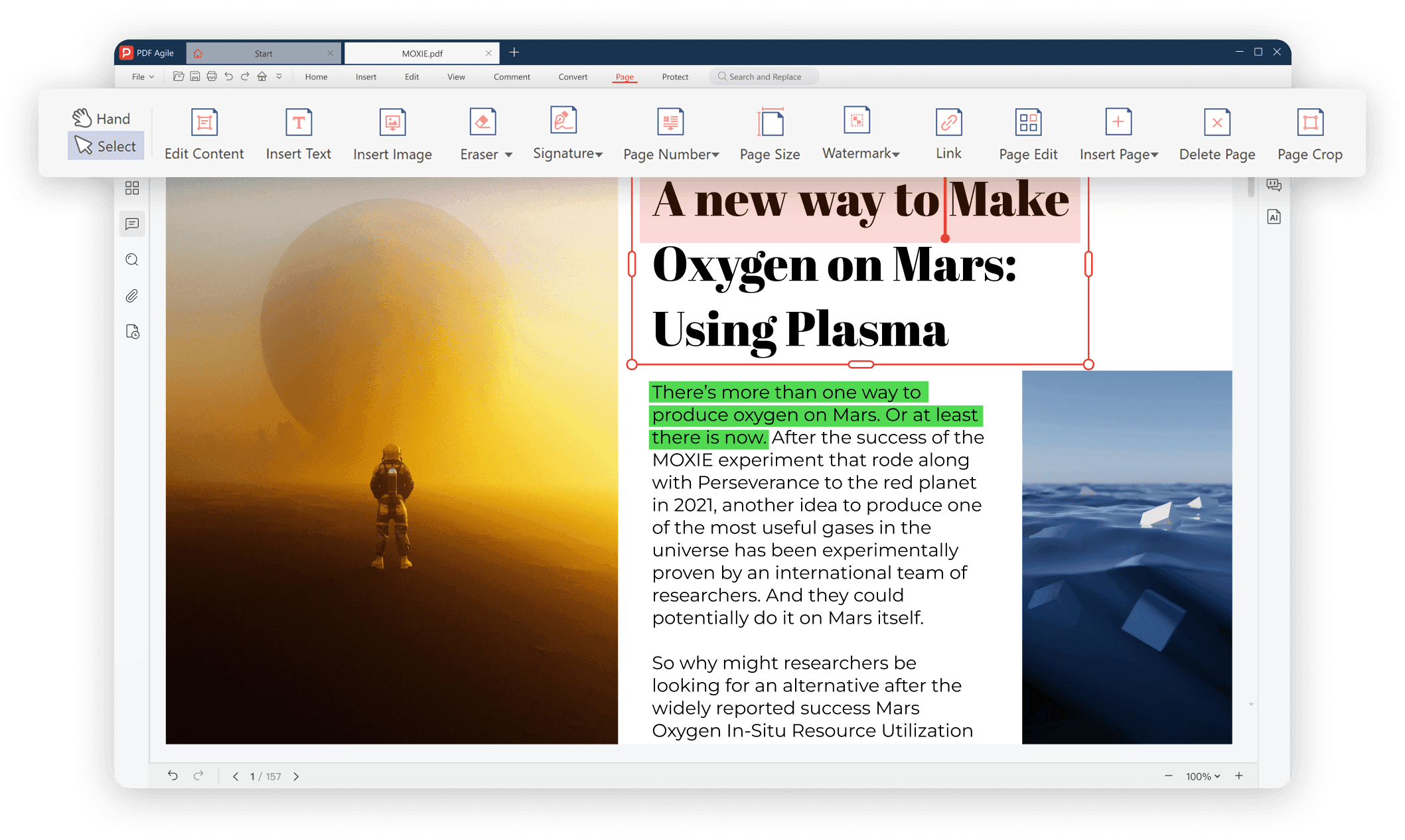
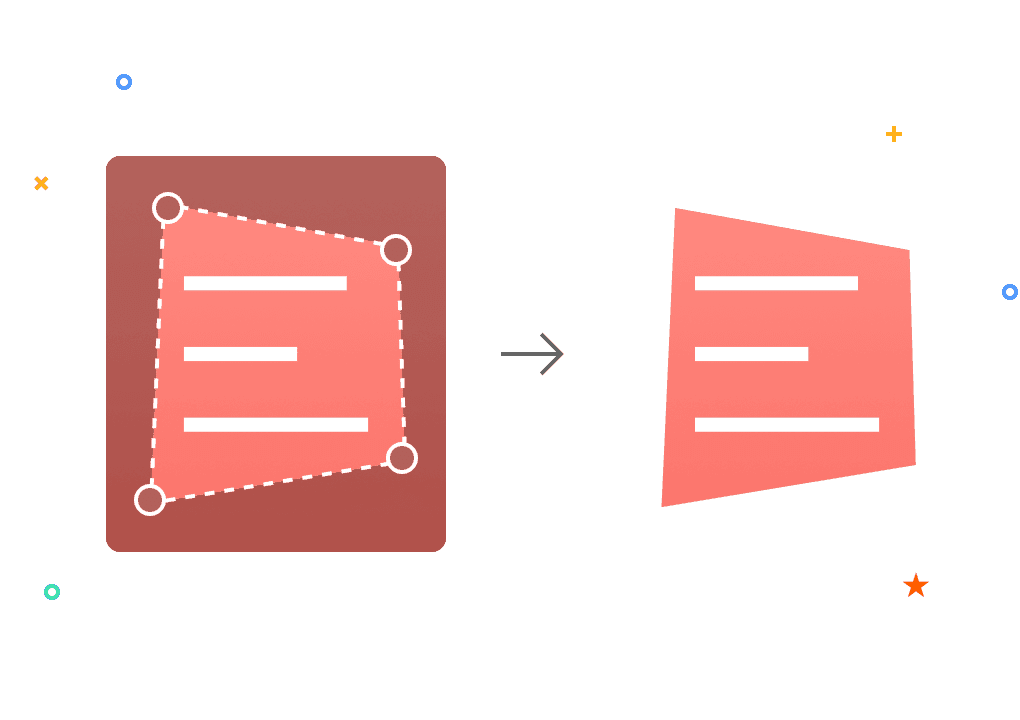
3. Adjust the Cropping Box. Use your mouse to drag the corners of the cropping box on the preview image. This interactive feature lets you visually trim PDF pages by resizing the box to exclude unwanted areas.

4. Click the “Crop” button to process your file. The tool will instantly remove the selected margins and generate a new PDF.

Why Choose Us to Crop Your PDF Files?

  • Remove Unwanted Margins Flexibly

    Our intuitive interface lets you adjust page boundaries with ease, giving you complete control over your document's layout. With flexible page range selections, you can apply margin changes to a single page or batch-process an entire document in seconds, making large-scale edits truly effortless.

  • Precision Auto-Detection for Optimal Layouts

    Smart Layout Recognition Instantly identifies the optimal crop for your PDF. Our smart technology auto-detects content boundaries, allowing you to review and batch-apply perfect margins in seconds. Of course, you can also manually adjust the cropping box.

  • Accessible on Any Device

    You can use our online PDF cropper on any device, from PC devices or tablets to mobile, which saves your device’s resources and lets you crop PDF from anywhere, anytime, conveniently and efficiently.

  • Fast, Secure, and Reliable

    The files you upload to PDF Agile are safely protected with 256-bit SSL encryption, allowing you to crop and adjust your PDF pages while keeping your data completely safe and confidential. All files are automatically deleted from our servers shortly after processing, so you never have to worry about your privacy.

  • More Than a PDF Cropper

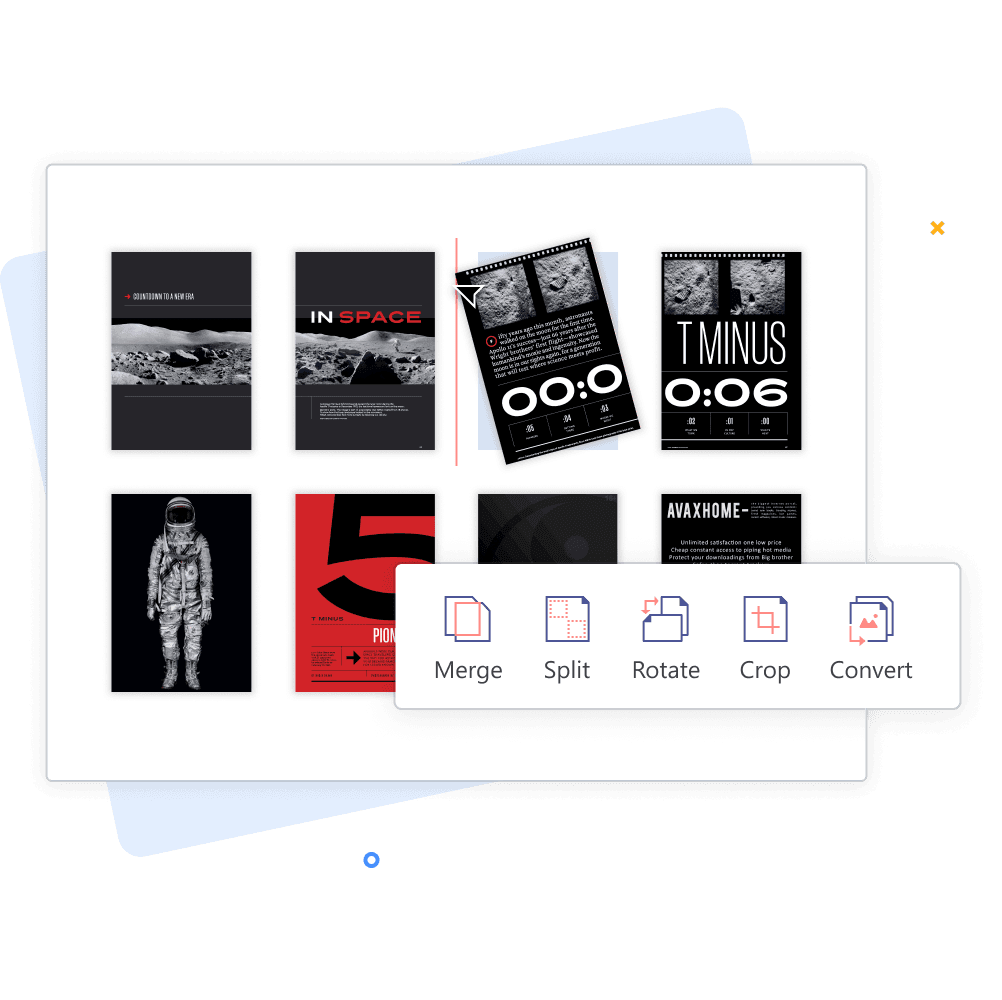
    PDF Agile is capable of more than just cropping PDF pages. Beyond perfecting your document’s layout, you can use our handy tools to convert PDFs to other formats, merge multiple files, rotate pages, insert annotations, and explore a full suite of professional editing features.

  • Get Started Right Away

    Crop your PDF pages directly in your browser—no installations, sign-ups, or learning curves. Simply upload, adjust your margins, and download your perfect file in seconds.

Not Just an Agile PDF Cropper

  • All-in-one PDF converter

    Convert PDFs to and from any popular format with ease. Our all-in-one PDF converter supports Word, Excel, PPT, TXT, JPG, and more, preserving layout, fonts, and quality with every conversion. Simplify your workflow and manage all your document needs in one powerful tool.

  • Instant e-signing, no delays

    Sign PDFs instantly with no delays. Add legally binding signatures without hassle, complete forms, and approve documents in seconds—streamlining your workflow while keeping all files secure. Fast, reliable, and completely digital.

  • Make scanned PDFs searchable and editable (OCR)

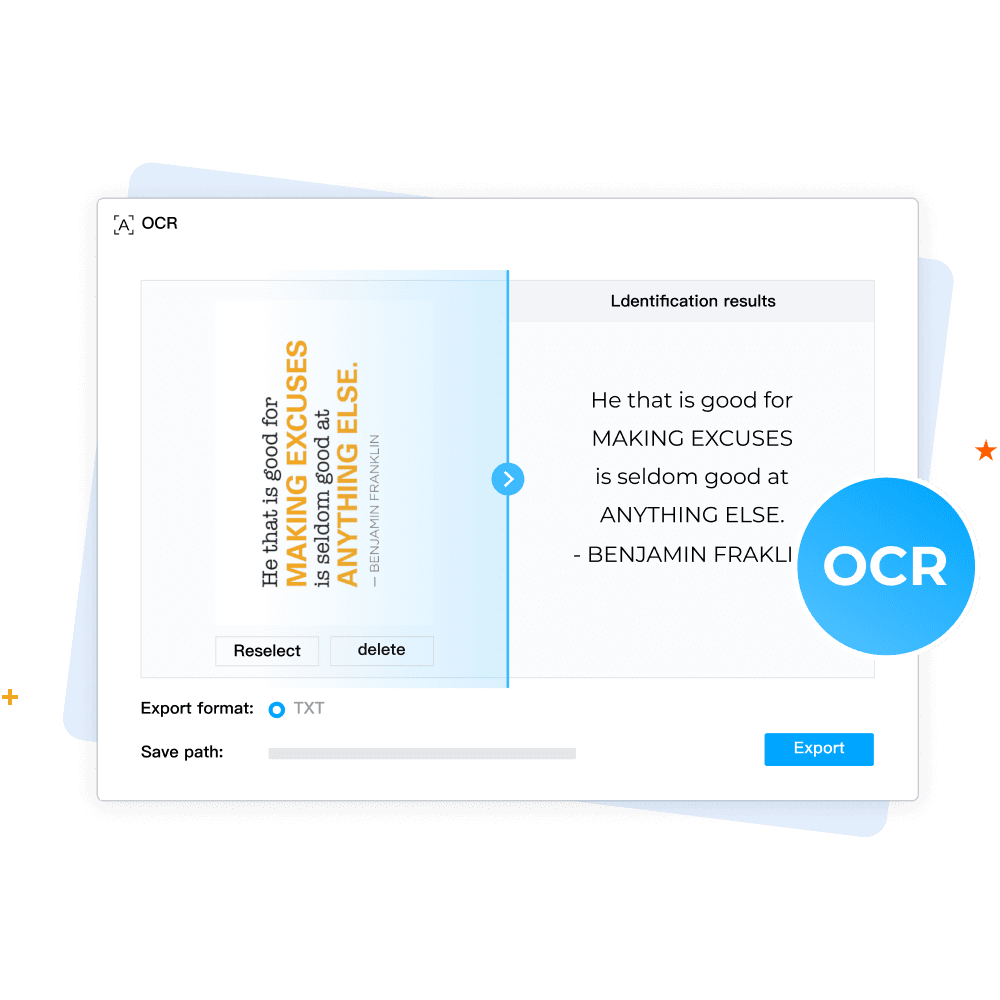
    Transform scanned PDFs into searchable and editable documents with the newest OCR technology. Instantly recognize text from images or scanned files while preserving layout and formatting, making your documents easy to edit, copy, and share.

  • More tools for every PDF task

    Get all the tools you need to handle any PDF task easily and seamlessly. From merging, splitting, and compressing to rotating, cropping, and converting, our comprehensive suite helps you manage, edit, and optimize PDFs efficiently—everything in one place.

Your Ultimate PDF Solution

Your Ultimate PDF Solution.png

FAQs about Cropping PDFs

Can I crop just one page of a PDF?

Will cropping affect my PDF’s quality?

Is the Crop PDF tool free to use?

Does the tool work on mobile devices?

Will cropping reduce the file size?