
Unlock PDF

Remove PDF password restrictions and unlock documents online

How to Unlock PDF Online for Free?

1. Click “Select PDF file” to upload your secured PDF document from your device.

2. Once your file is uploaded, you will be prompted to enter the password if the PDF is protected. Our system acts as a reliable pdf pass remover online, verifying credentials in real-time. If the password is incorrect, a clear error message will appear, allowing you to retry. After inputting the correct password, click the “Unlock” button to start the process.

3. After clicking “Unlock,” our tool automatically processes the file to remove password.

4. Finally, click the “Download” button to save your newly unlocked PDF to your device.

Why Choose Us to Unlock Your PDF Files?

  • Remove PDF Passwords in Seconds

    Effortlessly remove security restrictions with our high-speed decryption engine. Unlike heavy desktop software, PDF Agile processes your files entirely in the browser, giving you a lightweight and lightning-fast alternative for managing locked documents.

  • Seamless, Distraction-Free Unlocking

    Experience a truly agile workflow with just three simple steps: upload, decrypt, and download. We prioritize your convenience by providing a clean interface—no intrusive ads or hidden pop-ups—making it the most reliable way to unlock your PDFs online.

  • Unlock Anytime & Anywhere

    Access our powerful unlocking tools from any device, anywhere. Whether you're on a Windows workstation, a MacBook, or an Android/iOS mobile device, our web-based platform ensures a consistent experience without the need for app installations.

  • No File Quality Loss

    During the unlocking process, PDF Agile preserves the original quality of your document, including text, images, fonts, and formatting. There is no compression or alteration, so the unlocked file remains identical to the source.

  • Secure and Private Processing

    Your files are protected with 256-bit SSL encryption, the same standard used by financial institutions. We do not store documents on our servers after processing; all data is automatically deleted within 24 hours.

  • Get Started Right Away

    Unlock your PDF documents directly in your browser—no installations, sign-ups, or learning curves. Simply upload your file, enter the password to decrypt, and download your unrestricted PDF in seconds.

Not Just an Agile PDF Unlocker

  • Excellent PDF converter

    Convert PDFs to and from a wide range of formats with exceptional accuracy and ease. Our PDF Converter handles Word, Excel, PPT, TXT, JPG, and a host of other formats, guaranteeing that your original layout, fonts, and overall quality remain intact with every conversion. Whether you're editing, sharing, or repurposing content, it gives you complete flexibility across all your documents.

  • Fast and secure e-signing

    Sign PDFs quickly and securely with our streamlined e-signing tool. Add legally binding signatures in seconds, complete forms with ease, and keep your documents protected with industry-standard encryption. It’s the fastest, safest way to approve and finalize your paperwork online.

  • Extracts text without manual typing (OCR)

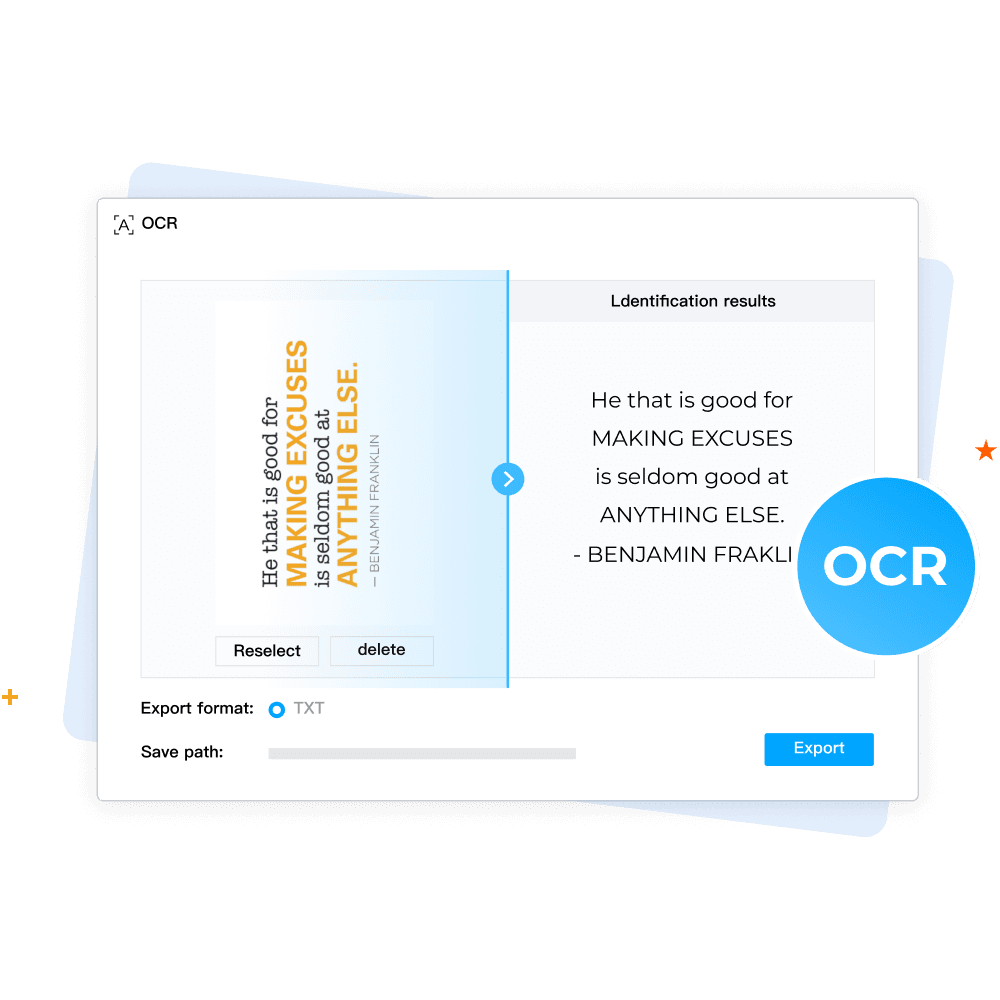
    Extract text from scanned PDFs and images immediately—no need to type anything manually. Our advanced OCR technology identifies characters with remarkable precision, all while keeping the original layout intact. Transform any image-based document into editable, searchable text with just a few simple steps.

  • Organize PDF with ease

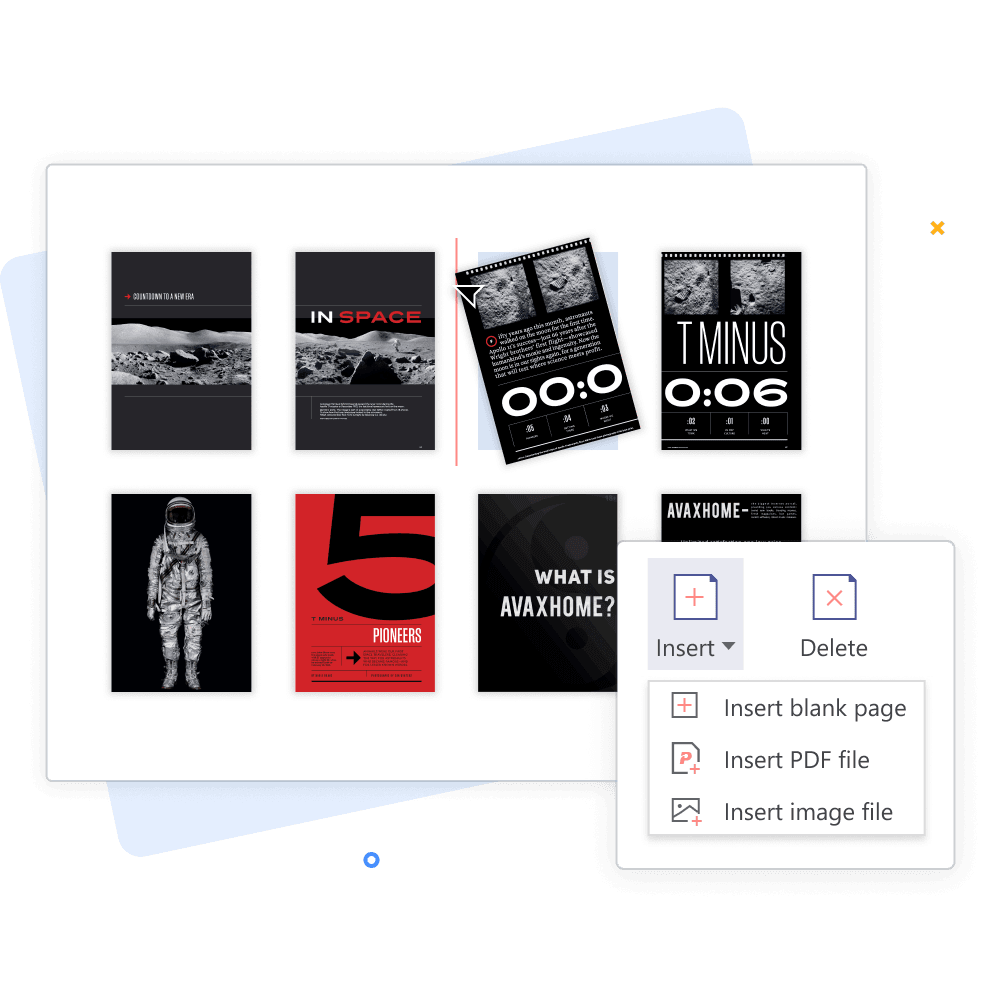
    Organize your PDFs with ease using a full suite of smart page-management tools. Merge, split, rotate, and crop pages effortlessly while keeping your document clean and structured. Whether you're rearranging content or refining layout, you can customize your PDF exactly the way you need—quickly and intuitively.

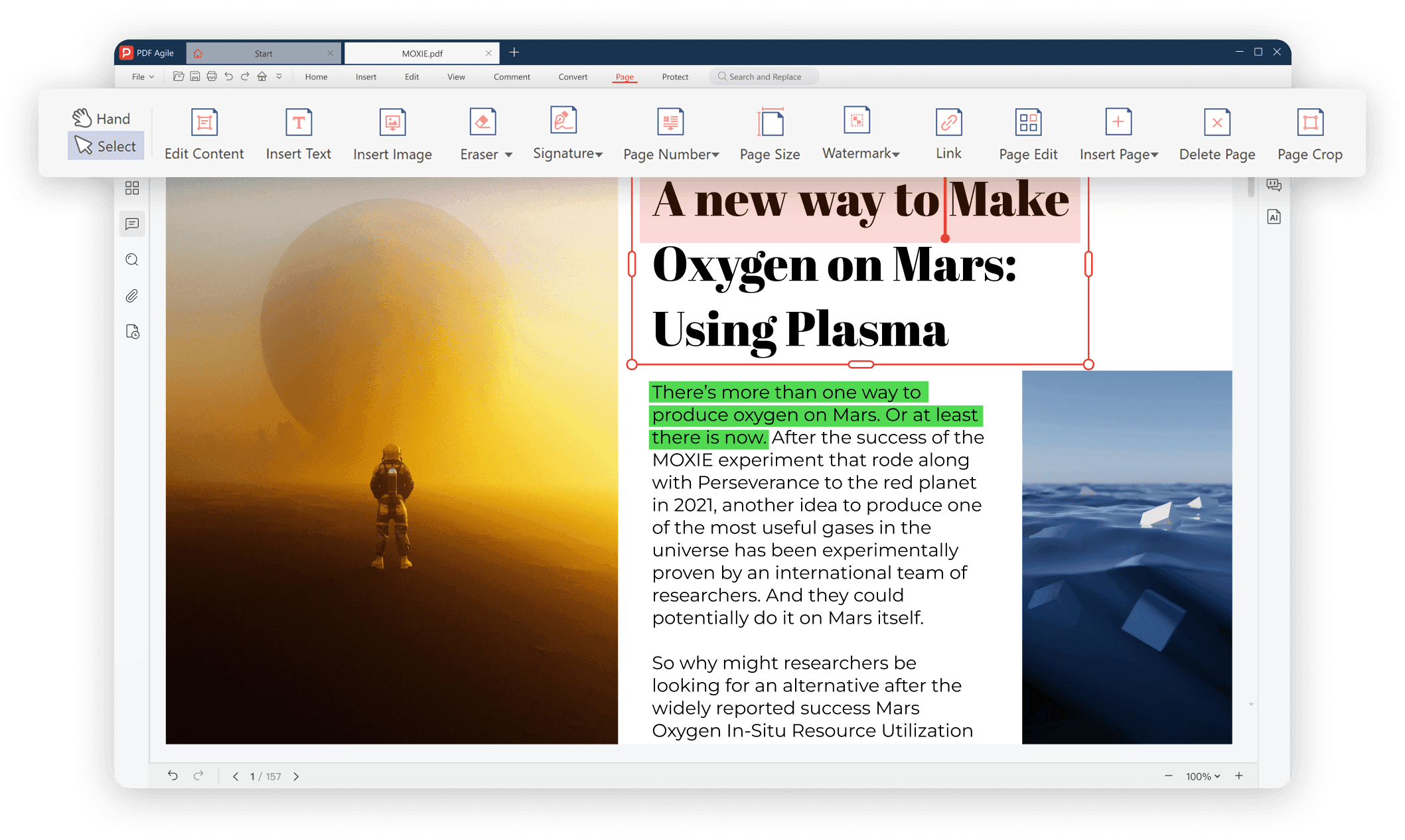
Your Ultimate PDF Solution

Your Ultimate PDF Solution.png

FAQs about Unlocking PDFs

How do I unlock a PDF file using PDF Agile?

Can I unlock a password-protected PDF with PDF Agile?

How long does it take to unlock a PDF?

What happens to the file quality after unlocking?

Do I need to install software to unlock PDFs?