
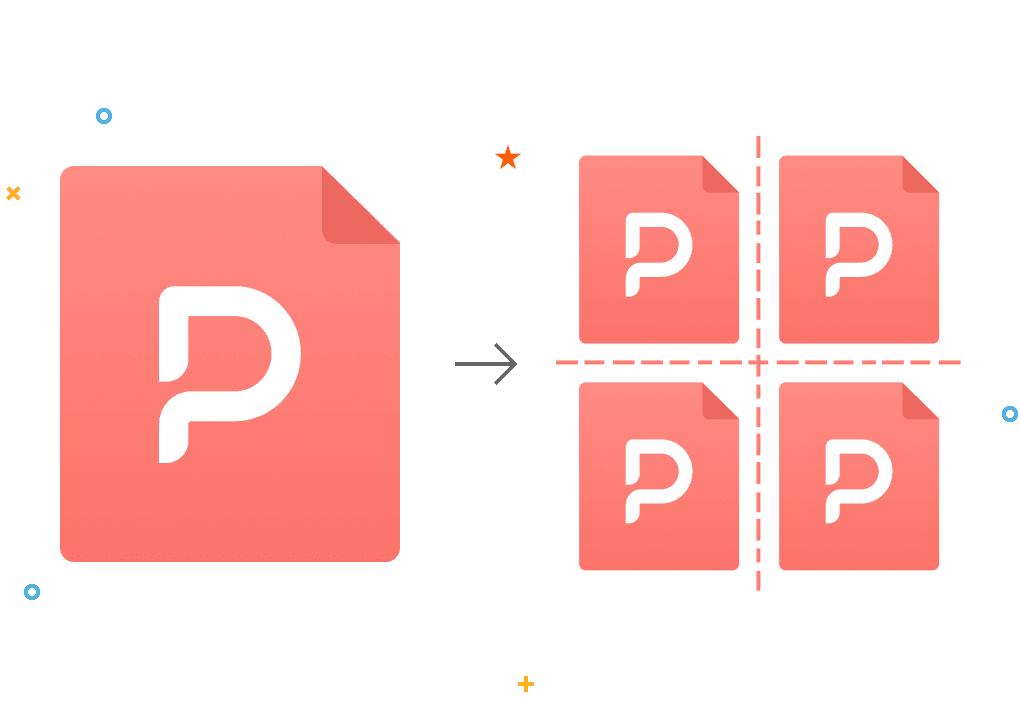
Split PDF

Split large PDF files into multiple smaller documents in bulk online

How to Split a PDF Online for Free?

1. Upload Your File Click the “Select File” button to upload the PDF document you wish to split.

2. Choose Your Splitting Method PDF Agile provides three flexible ways to organize your files:

  • Split by Lines: The most intuitive way. Simply click on the page preview to add divider lines exactly where you want a new file to start.
  • Custom Ranges: Perfect for specific needs. Enter page numbers or ranges (e.g., 1-5, 8-10) to extract exact sections, even in non-sequential order.
  • Fixed Ranges: Ideal for bulk splitting. Enter a page count (e.g., “5”) to split the document into equal parts. Any remaining pages will be neatly tucked into the final file.

3. Split Instantly Click the “Split” button.

4. Download & Save Once finished, your new documents will be bundled into a single ZIP folder. Click “Download” to save them to your device.

Why Choose our PDF Splitter Software?

  • Get Started Right Away

    Split PDF pages directly in the browser - no installations, sign-ups, or learning curves. Simply upload, select the page you want to split, click apply, and head out.

  • Flexible Splitting Options

    Unlike basic tools, PDF Agile supports three intuitive methods: visual split lines, custom page ranges, and fixed-length splits.

  • Guaranteed Security

    Your privacy is paramount. All files are encrypted with 256-bit SSL during upload and processing. Original and split files are automatically deleted from servers within 24 hours, preventing unauthorized access.

  • 100% Free Online PDF Splitter

    Split as many PDFs as you want, which is absolutely free. For advanced features, the desktop version offers additional tools without compromising affordability.

  • No Quality Loss

    The tool preserves original text, images, fonts, and formatting. Splitting only reorganizes pages without recompression, ensuring every new PDF looks identical to the source.

  • Works on Any Device

    You can use our online PDF splitter on any device, from PC devices or tablets to mobile, which saves your device’s resources and lets you merge PDFs from anywhere, anytime, conveniently and efficiently.

More Than Just an Agile PDF Splitter

  • Powerful PDF converter

    PDF Agile's Converter lets you seamlessly convert PDFs to and from a wide range of file formats, including Word, TXT, Excel, PPT, JPG, and more. It delivers fast, accurate transformations while preserving layout and formatting. Whether you're editing, sharing, or repurposing content, it gives you complete flexibility with every document.

  • Sign a PDF document online

    Sign PDFs swiftly and safely, no matter where you are. Easily add signatures that hold up in court, complete forms, and give your approval to documents without the hassle of printing or scanning. Simplify your process and keep all your essential files digitally signed and neatly arranged.

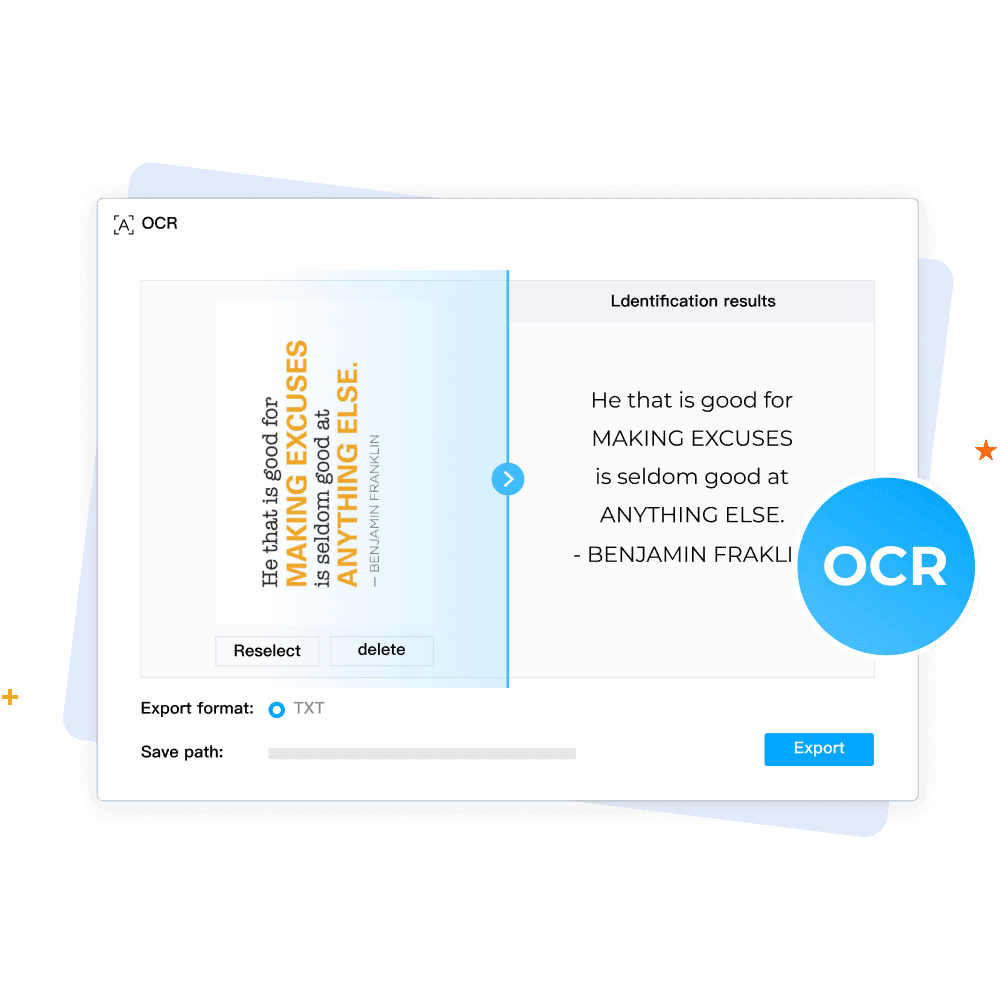
  • Make any PDF readable with OCR

    Transform any PDF into a fully searchable and editable document using our cutting-edge OCR technology. Our system quickly identifies text within scanned documents or images, all while maintaining the original formatting and layout. Seamlessly convert paper-based or image PDFs into digital, editable files.

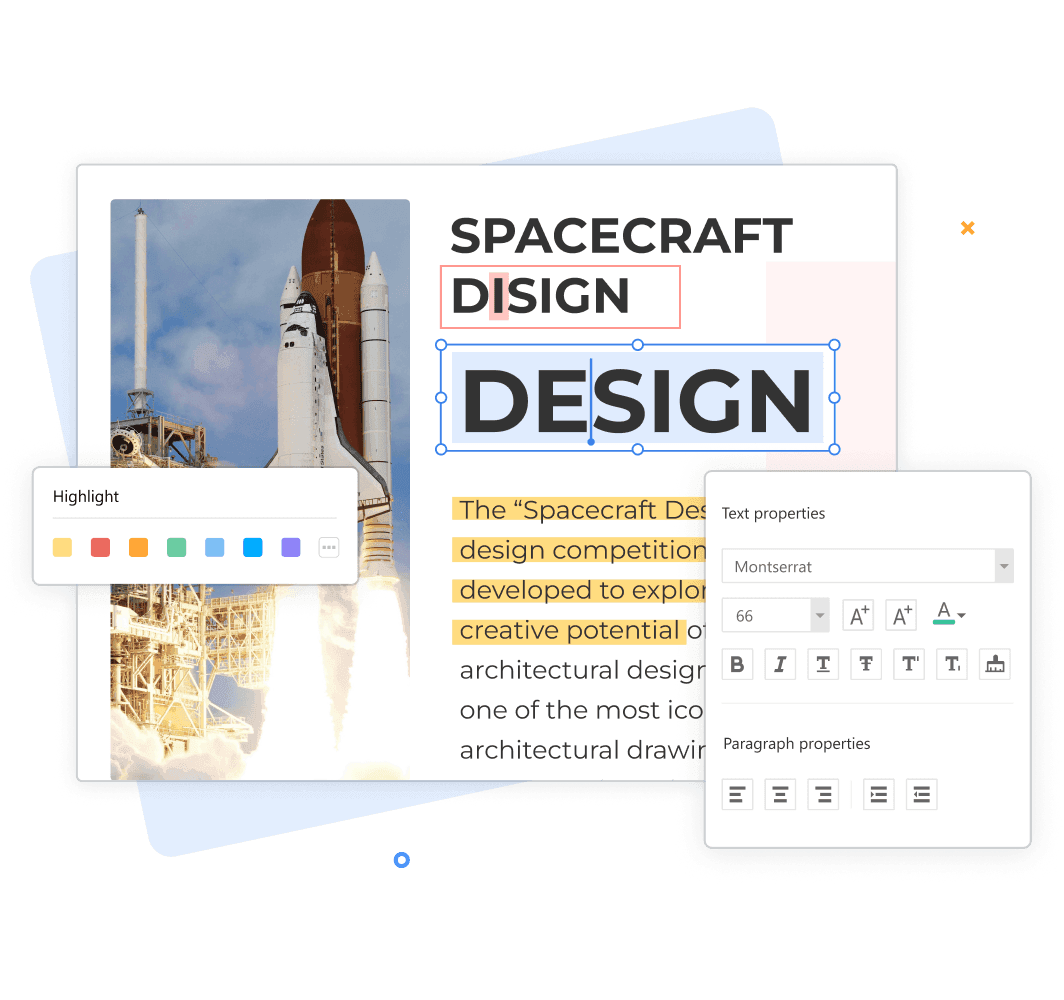
  • Edit PDF like a pro

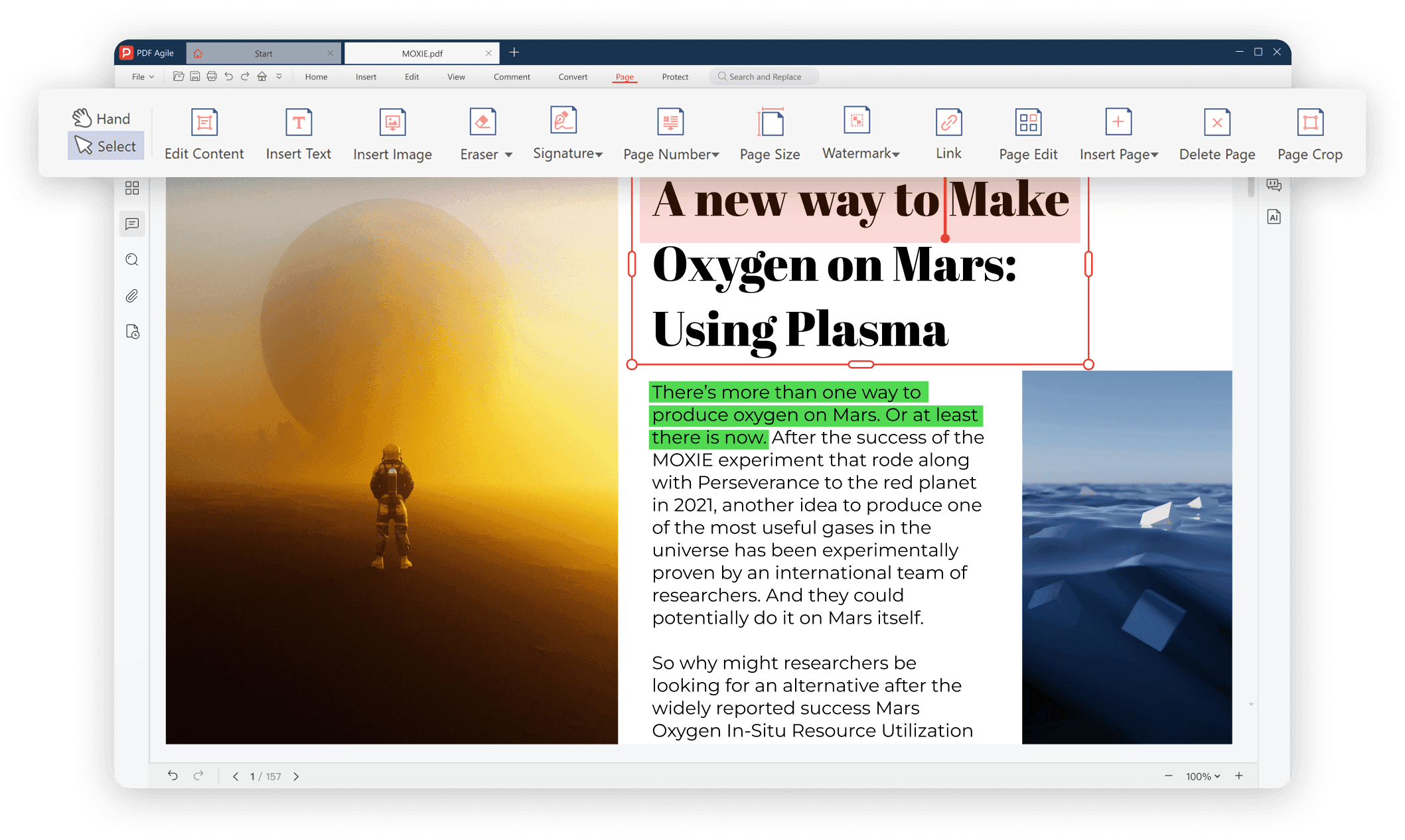
    With the PDF annotator feature, you can easily write, draw, and highlight any information on your PDF file. Let's edit PDFs effortlessly with our intuitive PDF editor. Add or modify text, images, and annotations while preserving the original layout. Streamline your workflow by making quick changes without converting files.

Your Ultimate PDF Solution

Your Ultimate PDF Solution.png

FAQs about Splitting PDFs

How do I split a PDF into separate pages?

Will splitting reduce my PDF’s quality?

Can I split a PDF on a phone or tablet?

How do I split password-protected PDFs?

Can I merge split PDFs back later?