
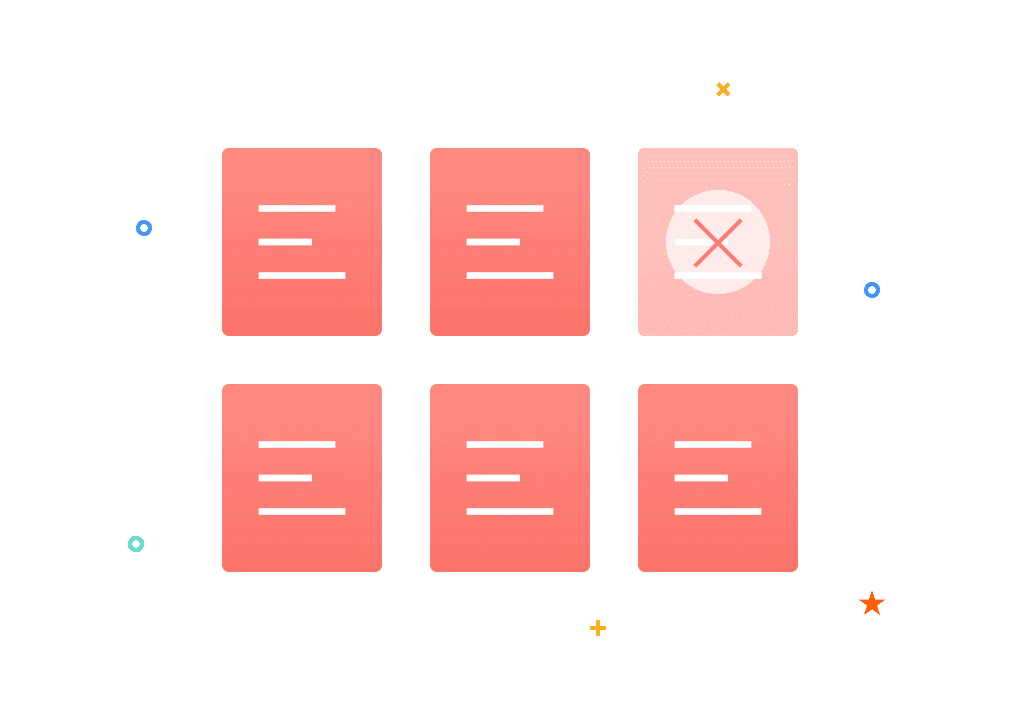
Delete PDF

Remove unwanted PDF pages from your documents in bulk online

How to Delete PDF Online for Free?

1. Click the “Select File” button to choose the PDF you want to edit from your device.

2. PDF Agile offers two intuitive ways to choose your pages:

Visual Selection: Simply click on the page thumbnails to select them one by one.

Range Input: Enter specific page numbers (e.g., “1-3, 5”) in the input box for bulk selection.

The tool visually highlights your choices in real-time, making it easy to confirm exactly which pages will be removed.

3. Click the “Delete” button to process your request. The tool instantly removes the unwanted sections while keeping the rest of your document's quality and formatting perfectly intact.

4. Once the process is complete, hit the “Download” button to save your cleaned-up PDF directly to your device.

Why Choose Our PDF Deleter?

  • Remove Unwanted Pages in Seconds

    With PDF Agile, cleaning up your document takes just a few clicks. Our optimized interface allows you to select pages at your own pace, then process the removal instantly with one click. No waiting, no complex steps—just a fast, controlled way to perfect your PDF.

  • Preserve Original Layout and Quality

    When you remove pages from a pdf document, the tool ensures all remaining content, contexts, images, and formatting—stays intact. There’s no compression or quality loss, so your PDF looks exactly as intended after deletion. This is perfect for professional or archival use.

  • 100% Privacy Protection

    Your security is our priority. All files are encrypted with 256-bit SSL during processing and are automatically deleted from our servers within 24 hours. This means your data never remains online long, safeguarding you from privacy risks while you remove one page from PDF.

  • Works on Any Device, Anytime

    Access PDF Agile’s deleter on desktops, tablets, or mobile devices via any browser—no downloads needed. Whether you’re on Windows, Mac, or iOS, you can combine and delete pdf pages on the go, making it a versatile solution for all users.

  • No Sign-up Required

    Start deleting immediately without creating an account or sharing personal details. Our tool is entirely free to use, with no hidden fees or registration barriers. Just upload, edit, and download—it’s that straightforward to delete pages from pdf.

  • Fast and Intuitive Page Removal

    The process is designed for ease: use thumbnails or page ranges to select sections, with real-time syncing between visual and text inputs. This intuitive approach lets you remove pages from pdf document efficiently, even if you’re new to PDF editing.

More Than Just an Agile PDF Deleter

  • Excellent PDF converter

    Convert PDFs to and from a wide range of formats with exceptional accuracy and ease. Our PDF Converter handles Word, Excel, PPT, TXT, JPG, and a host of other formats, guaranteeing that your original layout, fonts, and overall quality remain intact with every conversion. Whether you're editing, sharing, or repurposing content, it gives you complete flexibility across all your documents.

  • Fast and secure e-signing

    Sign PDFs quickly and securely with our streamlined e-signing tool. Add legally binding signatures in seconds, complete forms with ease, and keep your documents protected with industry-standard encryption. It’s the fastest, safest way to approve and finalize your paperwork online.

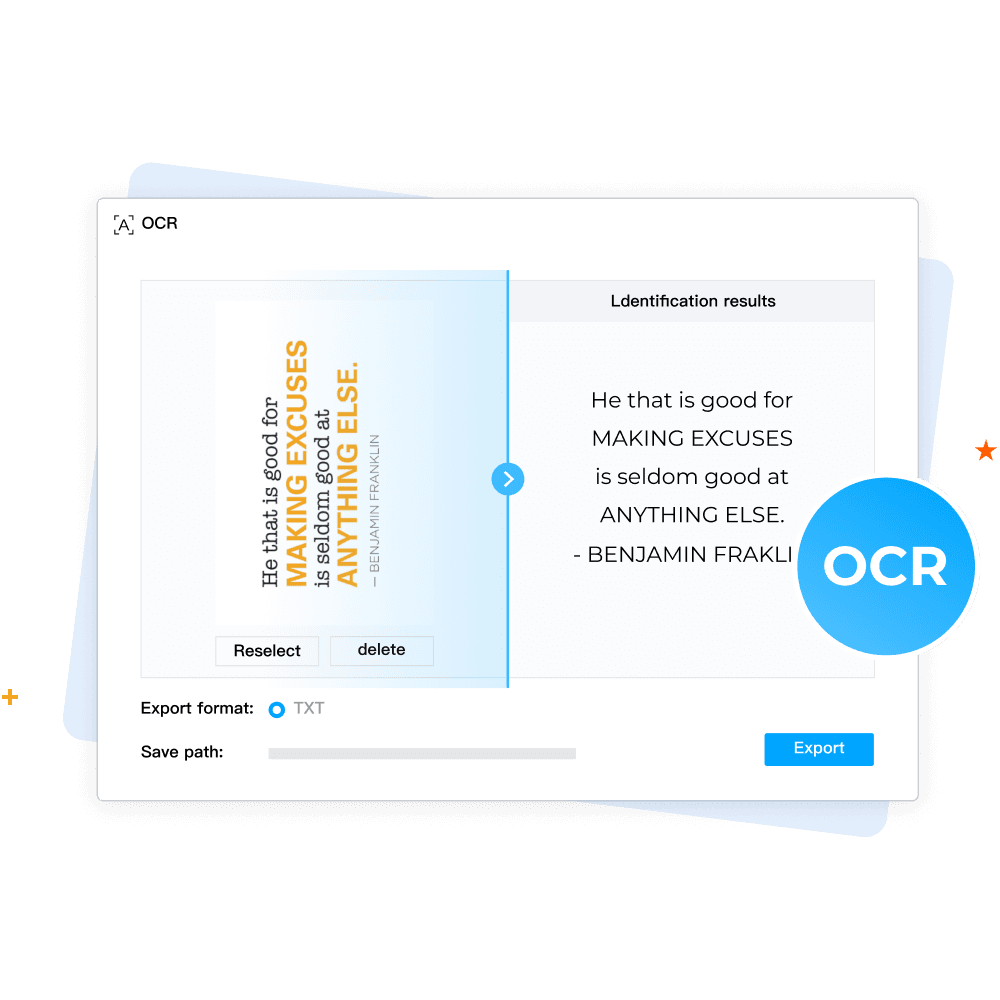
  • Extracts text without manual typing (OCR)

    Extract text from scanned PDFs and images immediately—no need to type anything manually. Our advanced OCR technology identifies characters with remarkable precision, all while keeping the original layout intact. Transform any image-based document into editable, searchable text with just a few simple steps.

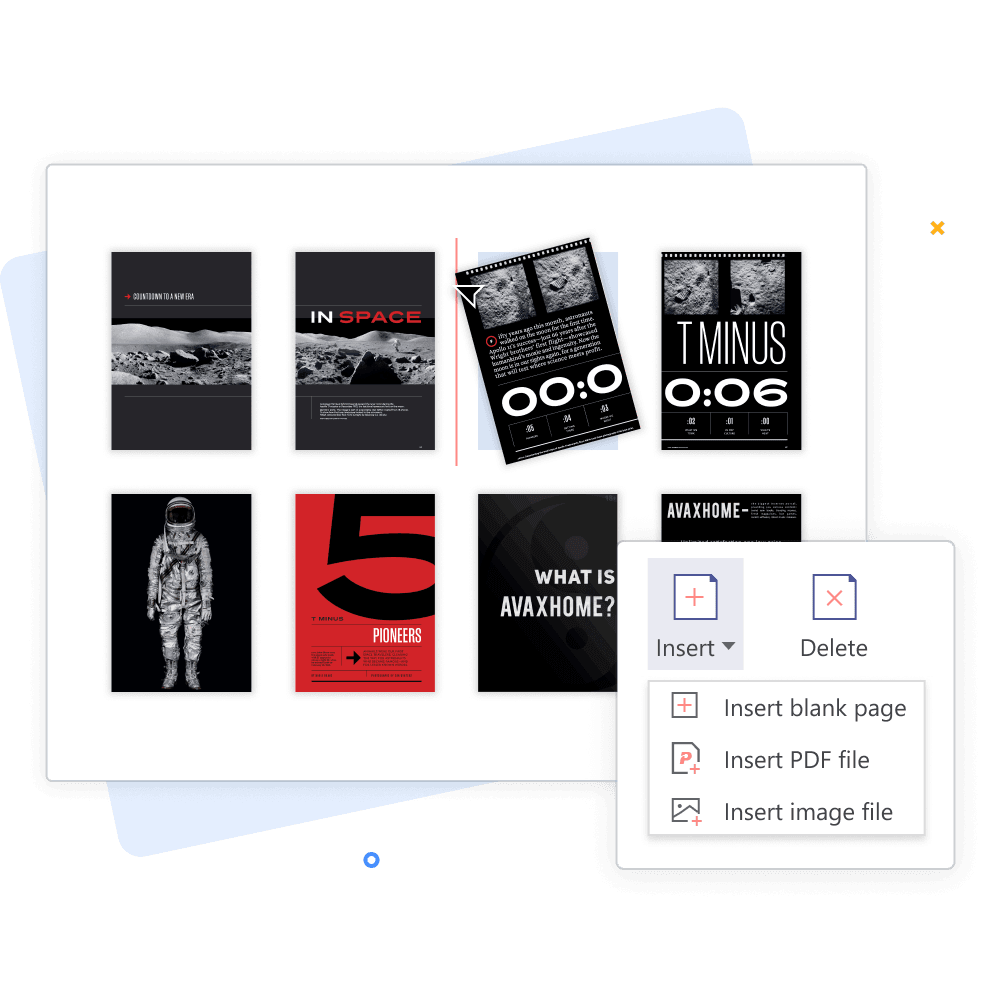
  • Organize PDF with ease

    Organize your PDFs with ease using a full suite of smart page-management tools. Merge, split, rotate, and crop pages effortlessly while keeping your document clean and structured. Whether you're rearranging content or refining layout, you can customize your PDF exactly the way you need—quickly and intuitively.

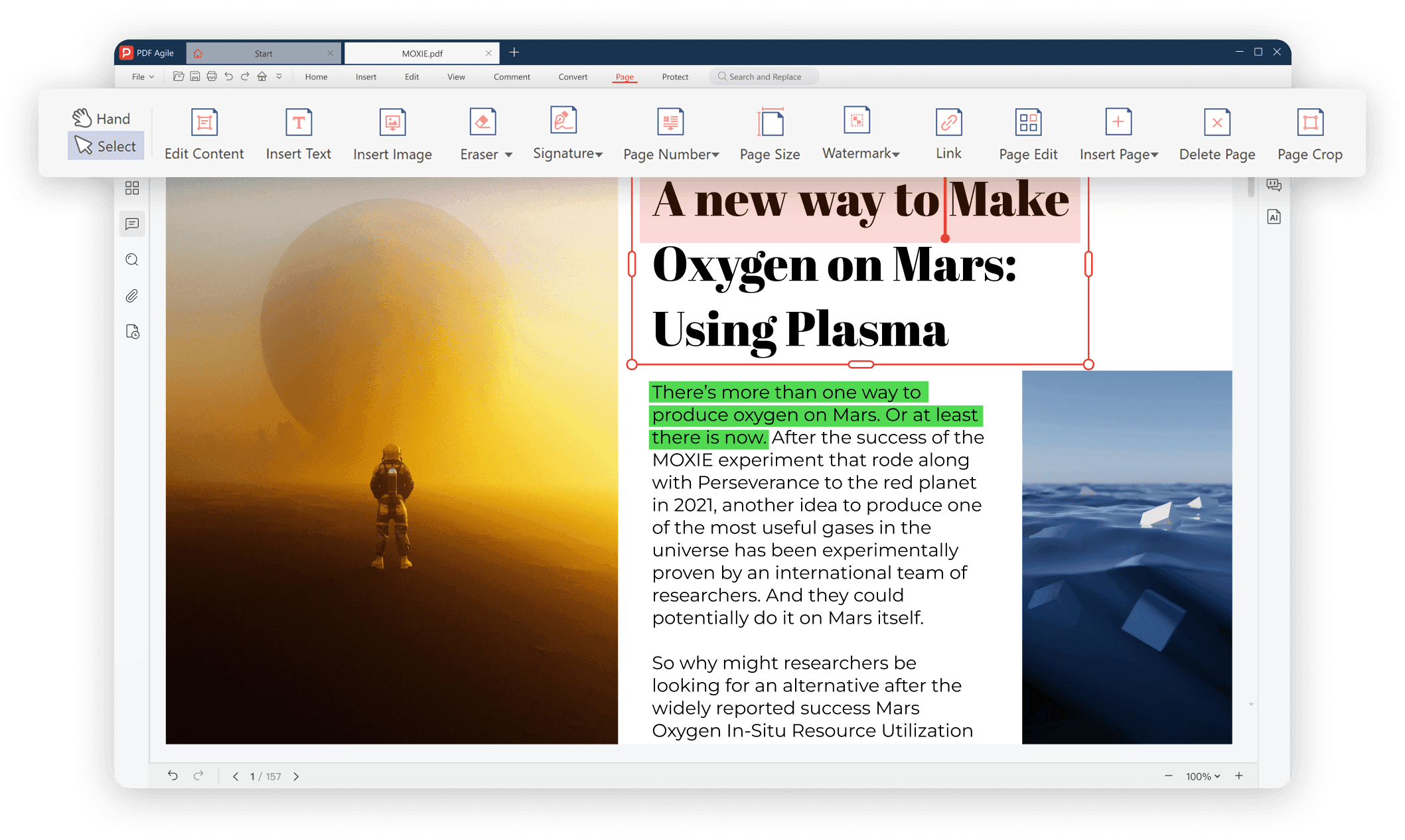
Your Ultimate PDF Solution

Your Ultimate PDF Solution.png

FAQs about Deleting PDF

Is it free to delete pages from a PDF using PDF Agile?

How do I remove a single page from a PDF document?

Can I delete multiple pages at once?

Will deleting pages affect the quality of my PDF?

Is my data safe when using the online tool?

Do I need an account to use the delete feature?